
How to Set a Price Alert
A price alert on Axiom watches one token's market cap and tells you when it crosses a level you picked, going up or going down. Setting one takes a few seconds on the token page. Here is the routine, what you see when one fires, and where alerts stop being enough.
 Updated November 29, 2026
On this page
Open Alerts on the token page
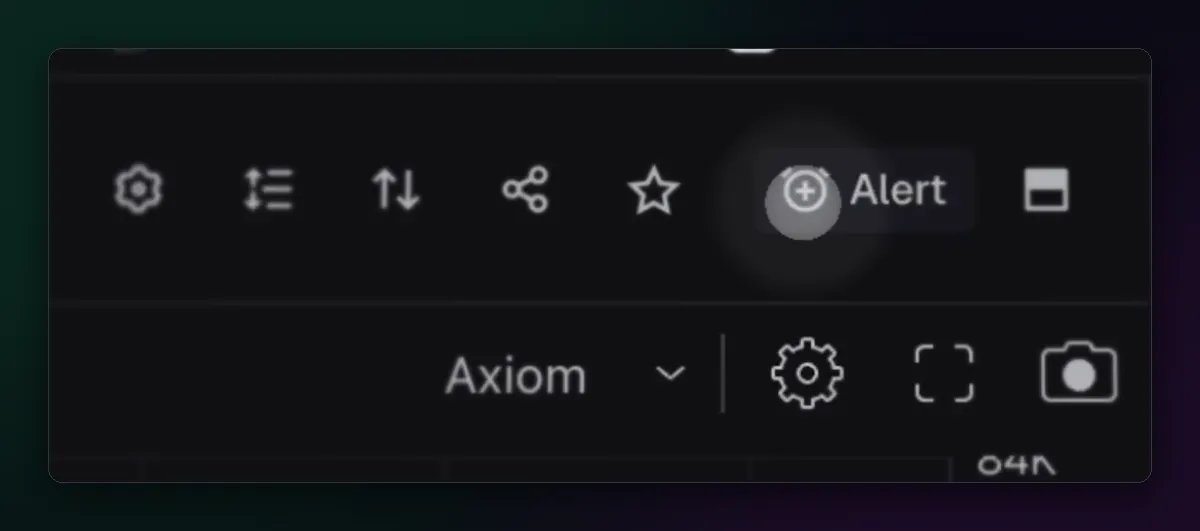
The icon row above the chart has a button labelled Alert. It opens the Alerts window, which is a short form on top and, under it, every alert you have, grouped by token.
Set a level
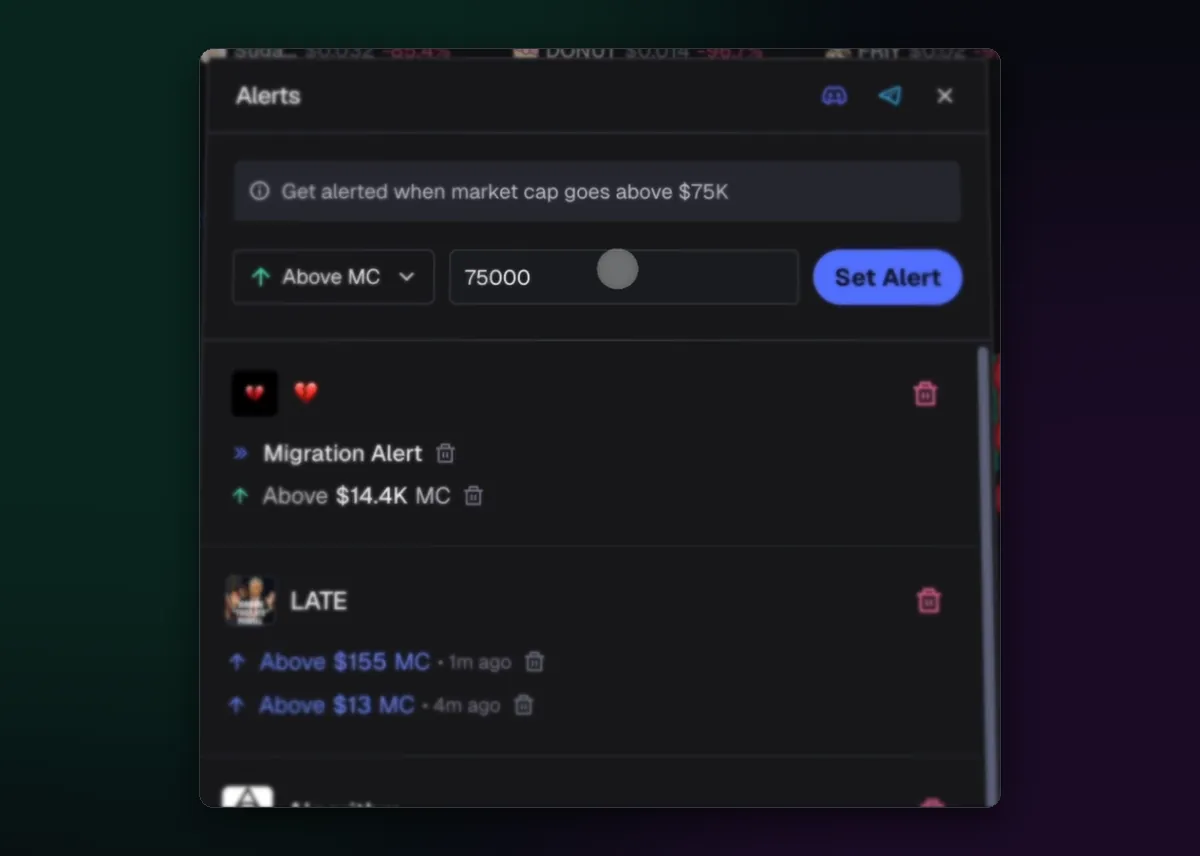
- Pick Above MC or Below MC in the dropdown.
- Type the market cap in dollars. With 75000 entered, the line over the form reads "Get alerted when market cap goes above $75K", which is a cheap way to catch a missing zero.
- Press Set Alert. A "Price alert added" notice appears and the level joins the list.
Levels are market caps, not token prices. That matches how the terminal quotes memecoins, and it spares you counting decimals.
Check the lines on the chart
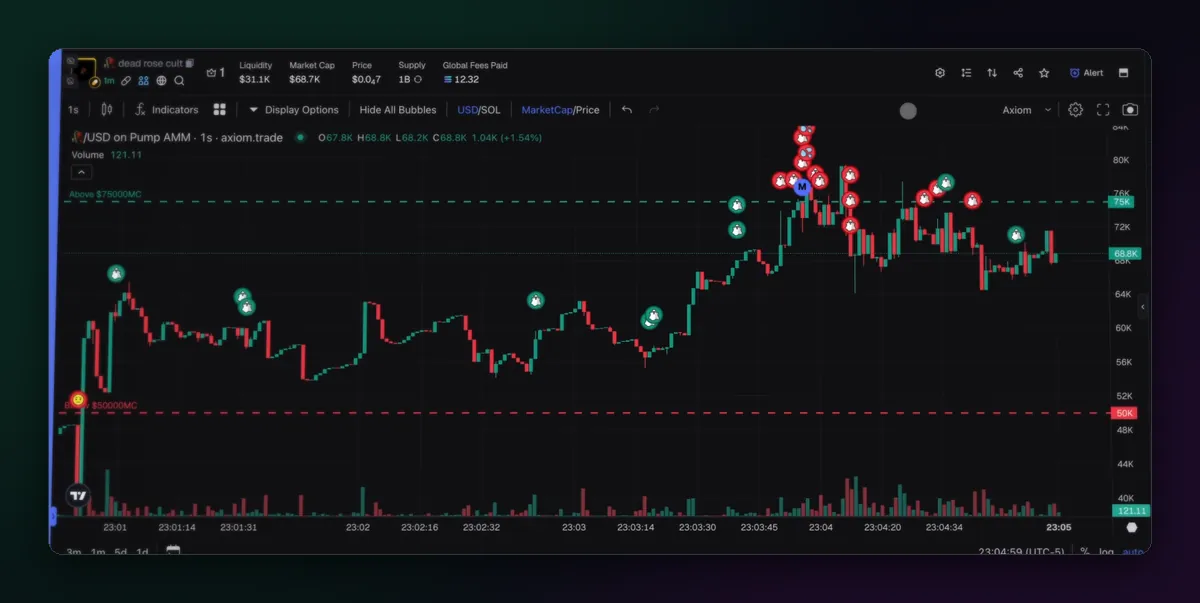
Each alert draws a dashed line across the chart at its level, green for an Above alert and red for a Below one. Glance at them after setting a pair. If the green line is already inside the candles, you set it too tight and it will fire on noise.
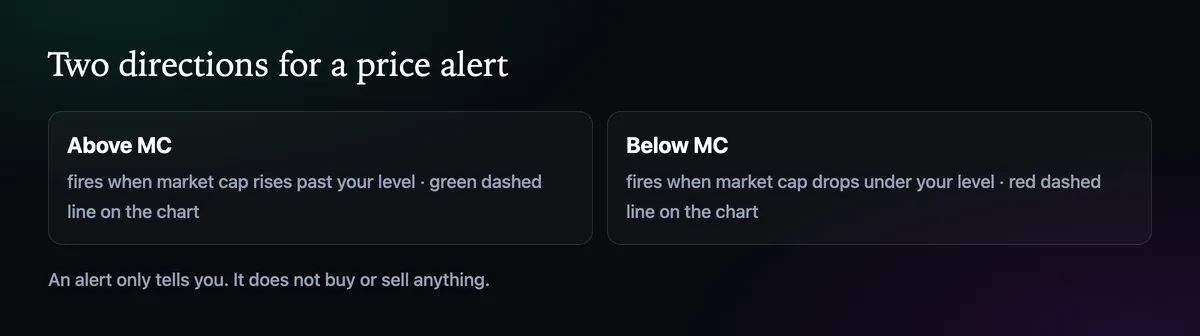
What happens when one fires
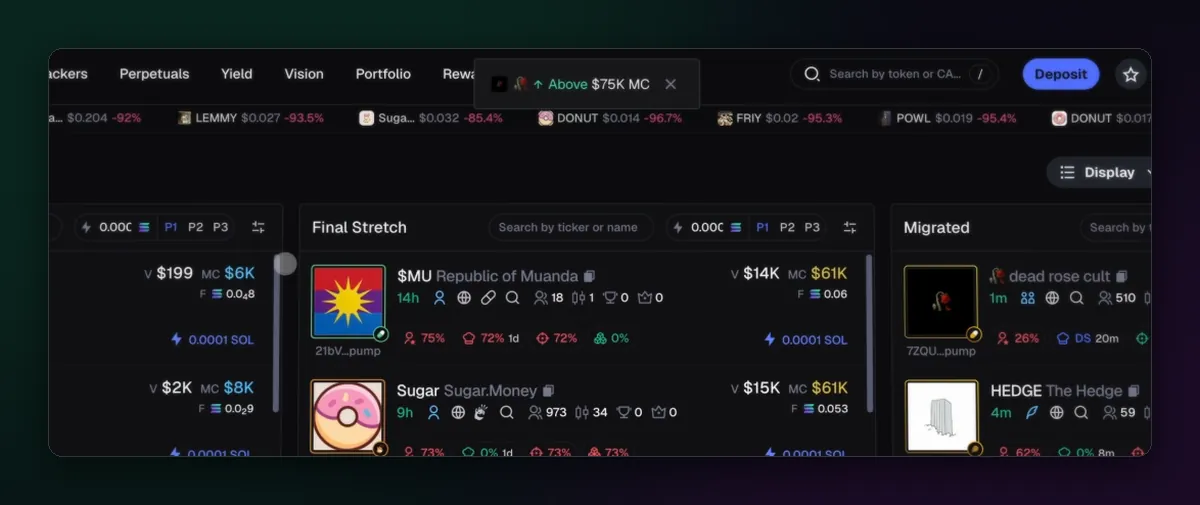
A notice drops into the top bar with the token and the level, on whatever page you have open. The Notifications panel keeps a line for it, "Market cap has crossed above $75K", with a View link and a Clear All button. Back in the Alerts window, a level that has fired carries the time since it did. The Discord and Telegram icons in that window's header are for linking either app, so a triggered alert reaches you there as well.
Keep the list short, and know its limit
Every alert has a bin icon beside it, and the foot of the list counts alerts against 100. Clear the fired ones or the list turns into noise. The bigger point: an alert only tells you. It does not sell. If you will be asleep when the level is hit, set an order instead, as in How to Place a Limit Order on Axiom. For alerts on wallets instead of prices, see How to Turn On Live Trade Alerts.

Written by Mohammad Shahpari · Web3 CMO, Crypto Growth & SEO Specialist · X · LinkedIn
Did this answer your question?