
How to Use Axiom Hotkeys
Axiom hotkeys let you fire Instant Trade buttons from the keyboard: hold Space and press the key shown on the button. Here is how to switch them on, the other shortcuts worth knowing, and how to avoid expensive typos.
 Updated November 9, 2026
Turn hotkeys on
Hotkeys live in the Instant Trade panel and are off until you enable them. Open the panel from the toolbar under the chart, then click the keyboard icon in its top-left corner, the first icon before P1. Each buy and sell button then shows the key it answers to.
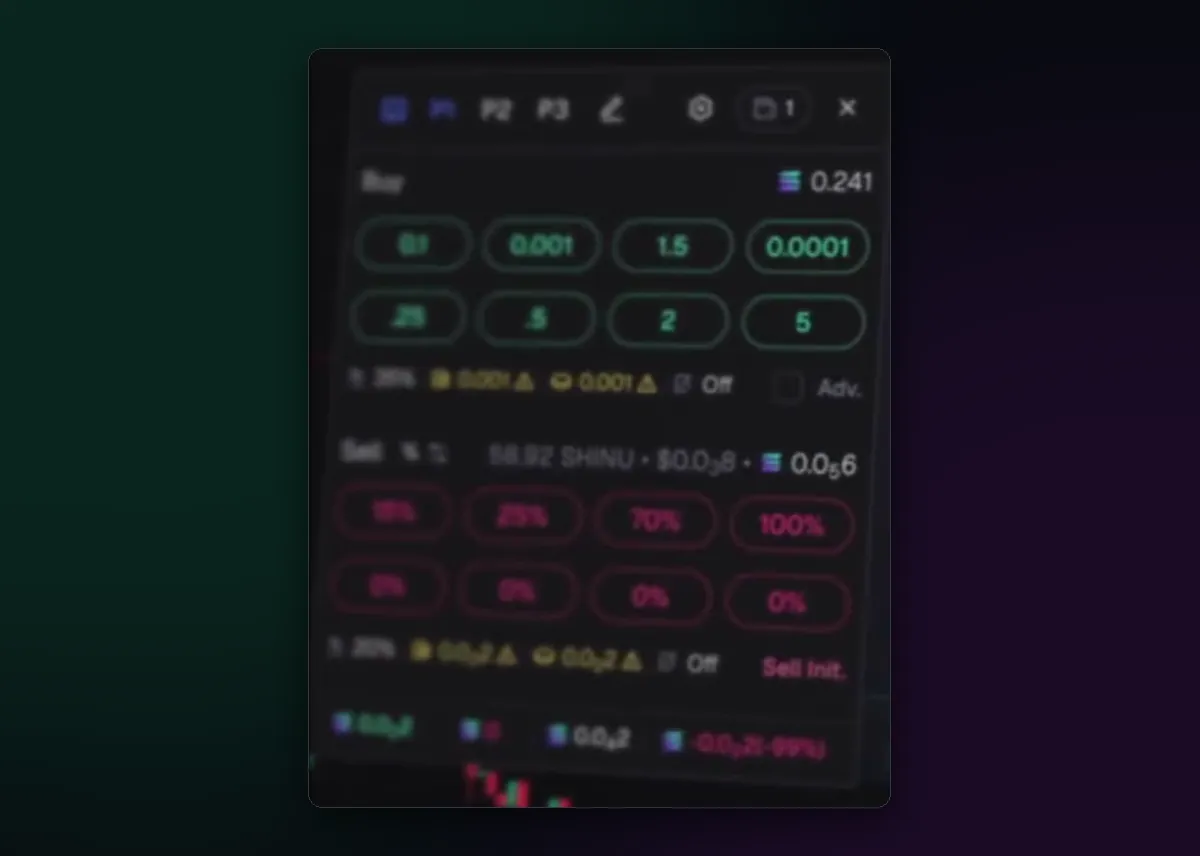
Space plus a key
To use one, hold Space and tap the key on the button you want. Axiom's docs describe it exactly that way: Space and the respective key for buy X SOL or sell X%. Holding Space first is a safety catch, since a stray letter while you type in a search box won't send a trade.
The trade goes out for the token you have open, with the preset that is selected and from the wallets ticked in the panel. Those three things are what to check before you rely on the keyboard; How to Use Instant Trade explains each of them.
Other shortcuts
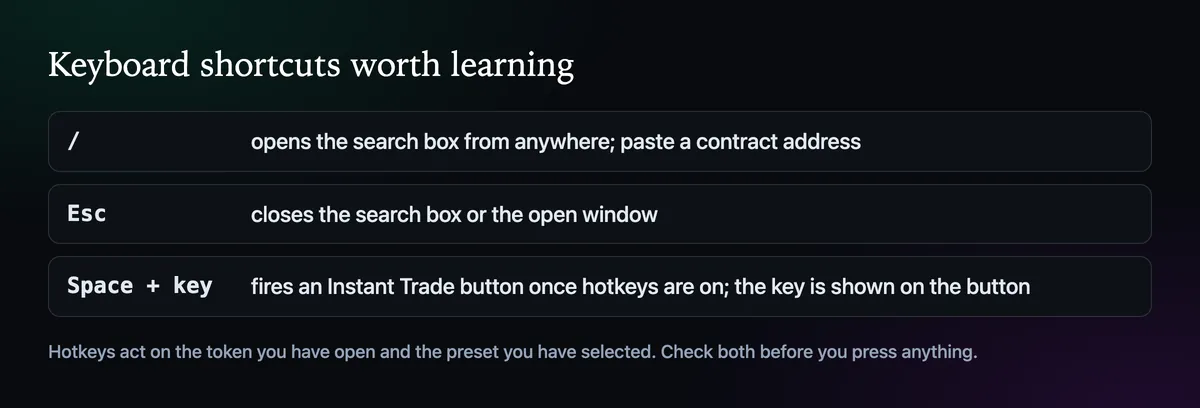
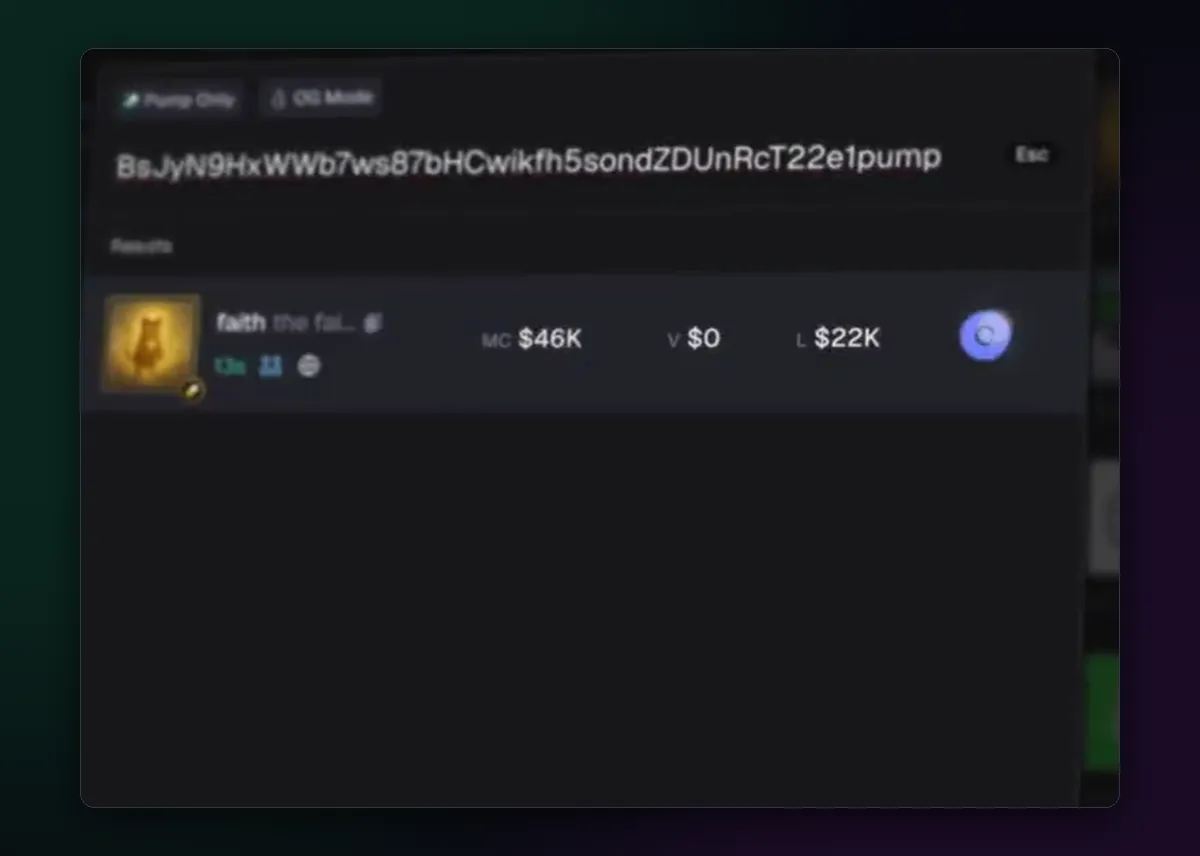
The slash key opens the search box from anywhere in the terminal. Paste a contract address there and the matching token appears with its market cap, volume and liquidity, and a Quick Buy button on the result row. Esc closes the box again.
Practise before it matters
- Set the smallest buy button to an amount you don't mind wasting, and learn the keys on that one first.
- Keep sell keys on one side of the keyboard and buy keys on the other, if your layout allows.
- Glance at the preset before a busy launch. The keyboard is fast enough that the preset is the only thing still standing between you and an over-priced fill.
The auto sell guide covers the exits you can leave running instead of pressing keys at all.

Written by Mohammad Shahpari · Web3 CMO, Crypto Growth & SEO Specialist · X · LinkedIn
Did this answer your question?