
How to Export Your Axiom Private Key
Every Axiom wallet's private key can be exported from Manage Wallets, after your password. Here is where it is, how to put it into Phantom or Solflare, and how to avoid turning a backup into a leak.
 Updated November 8, 2026
On this page
Why you would export a key
Axiom wallets are non-custodial, with keys held through Turnkey rather than on Axiom's servers, and you can take them with you. The usual reasons: you want to see one wallet in Phantom or Solflare, move a token the Withdraw window doesn't handle, or use the wallet in another Solana app. Exporting doesn't disconnect anything; Axiom and the second app both control the same address afterwards.
Private key or recovery phrase?
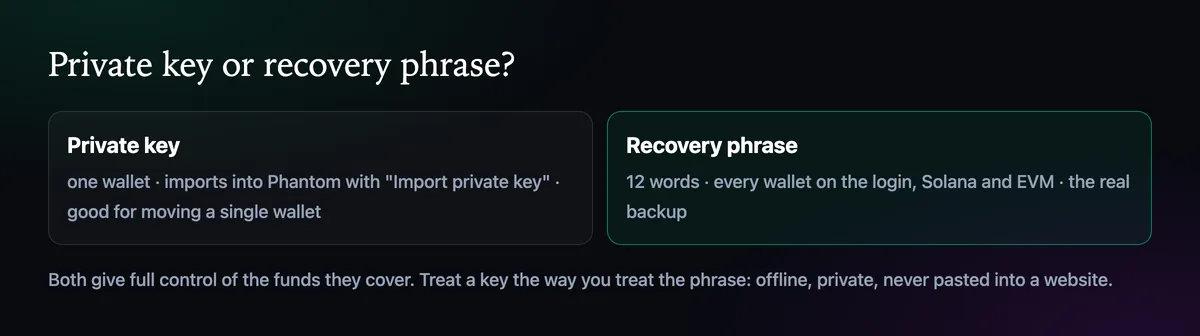
The key belongs to a single wallet. The 12-word recovery phrase covers every wallet created on your login, Solana and EVM, and is the real backup. If you want everything in Phantom, import the phrase instead, as described in How to Back Up Your Axiom Recovery Phrase. Use the key when you want one wallet and nothing else.
Find the key
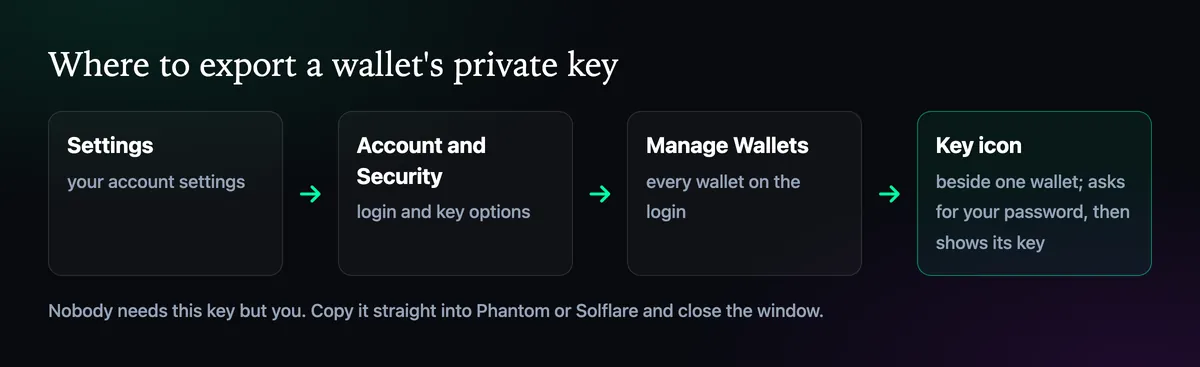
- Open Settings, then Account and Security.
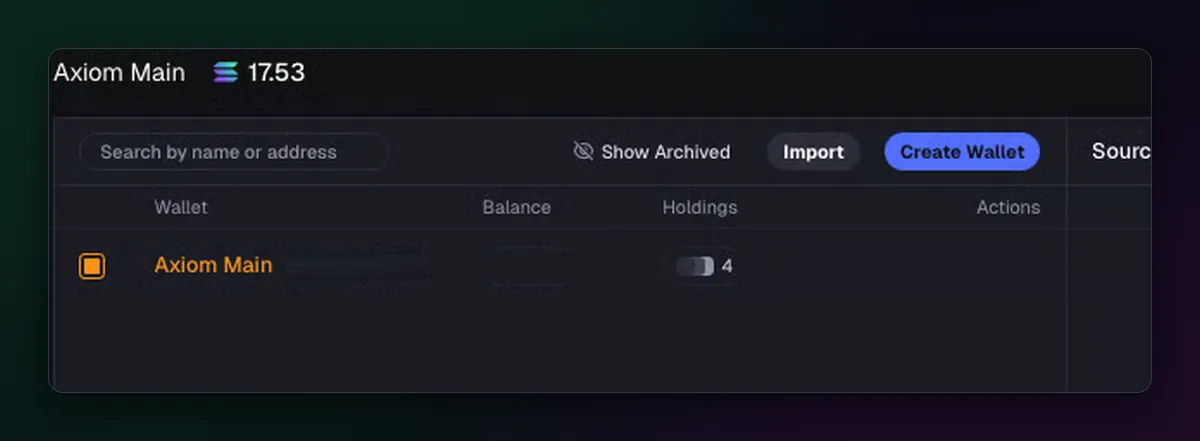
- Choose Manage Wallets. Every wallet on the account is listed with its balance and holdings.
- Press the key icon on the wallet you want.
- Enter your Axiom password. The private key appears.
Put it into Phantom or Solflare
In Phantom, open the account menu, choose to add an account, then Import Private Key. Give it a name and paste the key. Solflare has the same option under adding a wallet. The wallet appears with its SOL and tokens, and the address should match the one in Manage Wallets.
Copy the key straight from Axiom into the wallet app, close the Axiom window, then copy something harmless so the key leaves your clipboard. That is the whole trick to doing this safely.
What not to do with it
- Don't paste it into a website, a bot, a form or a chat. Nothing legitimate asks for it.
- Don't keep it in a notes app or a screenshot. If you need a copy, write it on paper like the recovery phrase.
- Don't share it with "support". Axiom only helps in Discord tickets and never needs your key.
If a key was ever exposed, move the funds out of that wallet to a new one with its own fresh key, then archive the old wallet in Manage Wallets. The Axiom wallet guide covers the rest of the wallet settings.

Written by Mohammad Shahpari · Web3 CMO, Crypto Growth & SEO Specialist · X · LinkedIn
Did this answer your question?