
How to Use Instant Trade
Instant Trade is Axiom's floating trade panel: rows of one-click buy amounts and sell percentages that sit beside the chart, so you can trade a fast coin without moving your eyes off the candles.
 Updated November 8, 2026
On this page
Open the panel
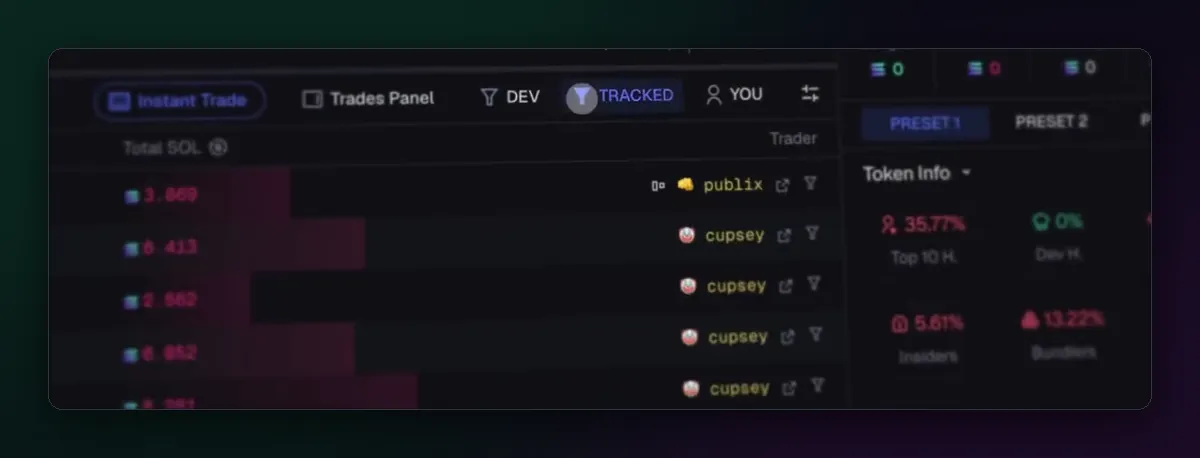
On any token page, press Instant Trade in the toolbar below the chart. The panel opens on top of the page. Drag it by its top edge to wherever it hides the least, usually over a corner of the chart you never read, and it stays there for the next token you open.
What each part does
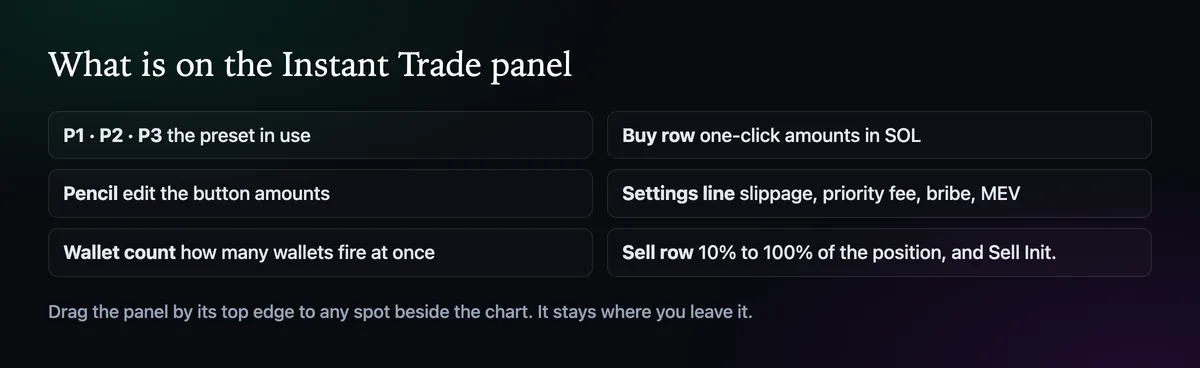
Along the top are the three presets and a pencil. The buy row holds amounts in the chain's coin; the sell row holds percentages of the position, from 10% to 100%, plus Sell Init., which sells back your cost. Under each row is a line with the slippage, priority fee, bribe and MEV mode the button will use, so you can see what a click costs before you make it.
Set your own amounts
Press the pencil and change any button. Pick amounts that match your real sizes, not the defaults: a row of 0.05, 0.1, 0.25 and 0.5 SOL is more useful to most people than numbers they never trade. Each preset keeps its own buttons, so the launch preset can carry smaller sizes than the everyday one.
Trading from several wallets
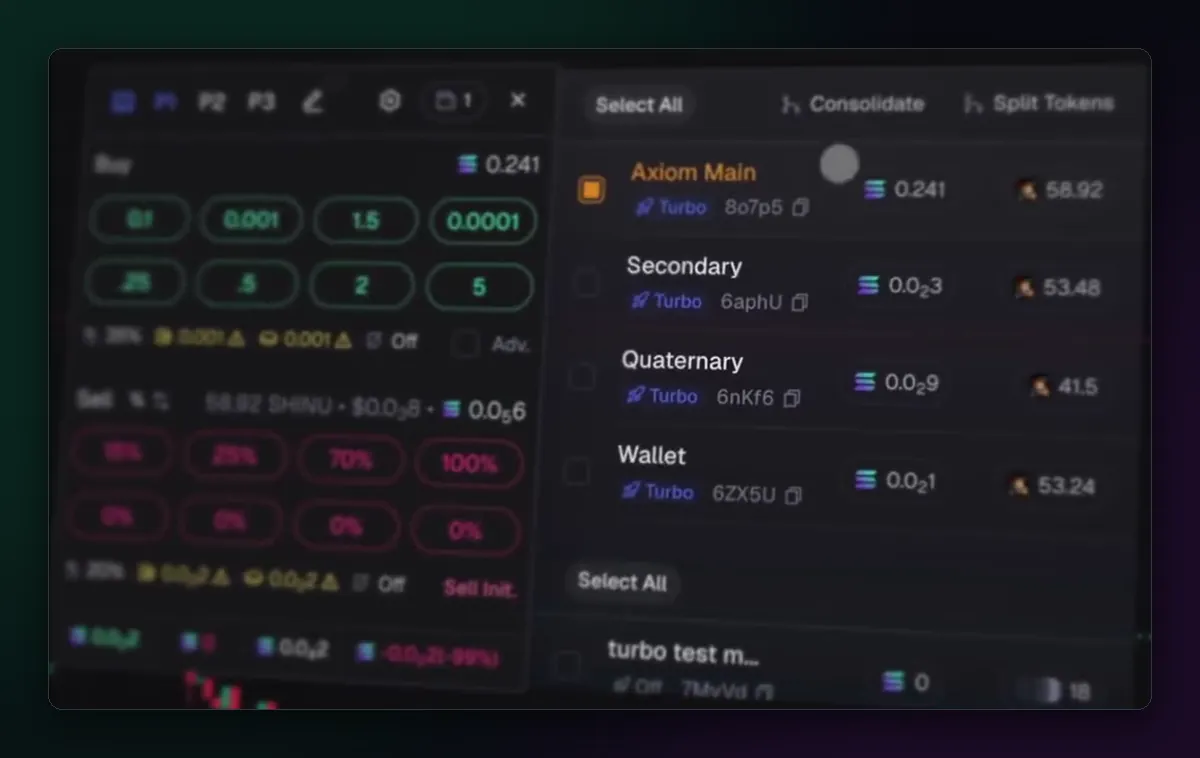
The wallet icon on the panel opens the list of your wallets with their balances and holdings of this token. Tick the ones that should fire: a buy then goes out from each. Consolidate gathers the token from several wallets into one, and Split Tokens spreads it the other way. How to Add and Manage Multiple Wallets explains setting the wallets up.
Make it faster still
With hotkeys on, every button gets a key and Space plus that key fires it. That turns the panel into something you can work with the mouse resting on the chart; How to Use Axiom Hotkeys covers it. Until the amounts feel natural, though, click rather than type. A wrong key on a fast coin is the most expensive typo there is.
The Axiom terminal guide shows where Instant Trade fits among the other panels.

Written by Mohammad Shahpari · Web3 CMO, Crypto Growth & SEO Specialist · X · LinkedIn
Did this answer your question?