
How to Buy a Token on Axiom
Axiom gives you three ways to buy a token: the order panel on the token page, Quick Buy straight from a list, and the Instant Trade panel. They all draw on the same preset, so the choice is about speed and control.
 Updated November 7, 2026
On this page
Pick the route that fits the trade
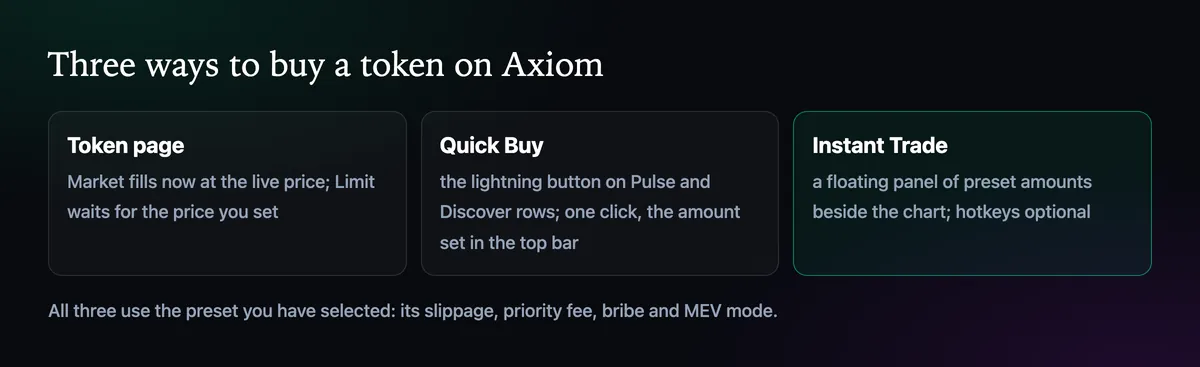
The token page is for buys you want to look at first: chart, holders, the dev's history, then an order. Quick Buy is for the moment a row in Pulse is worth a punt and opening the page would cost you the entry. Instant Trade sits between the two, a small panel of ready amounts that stays beside the chart while you watch.
From the token page
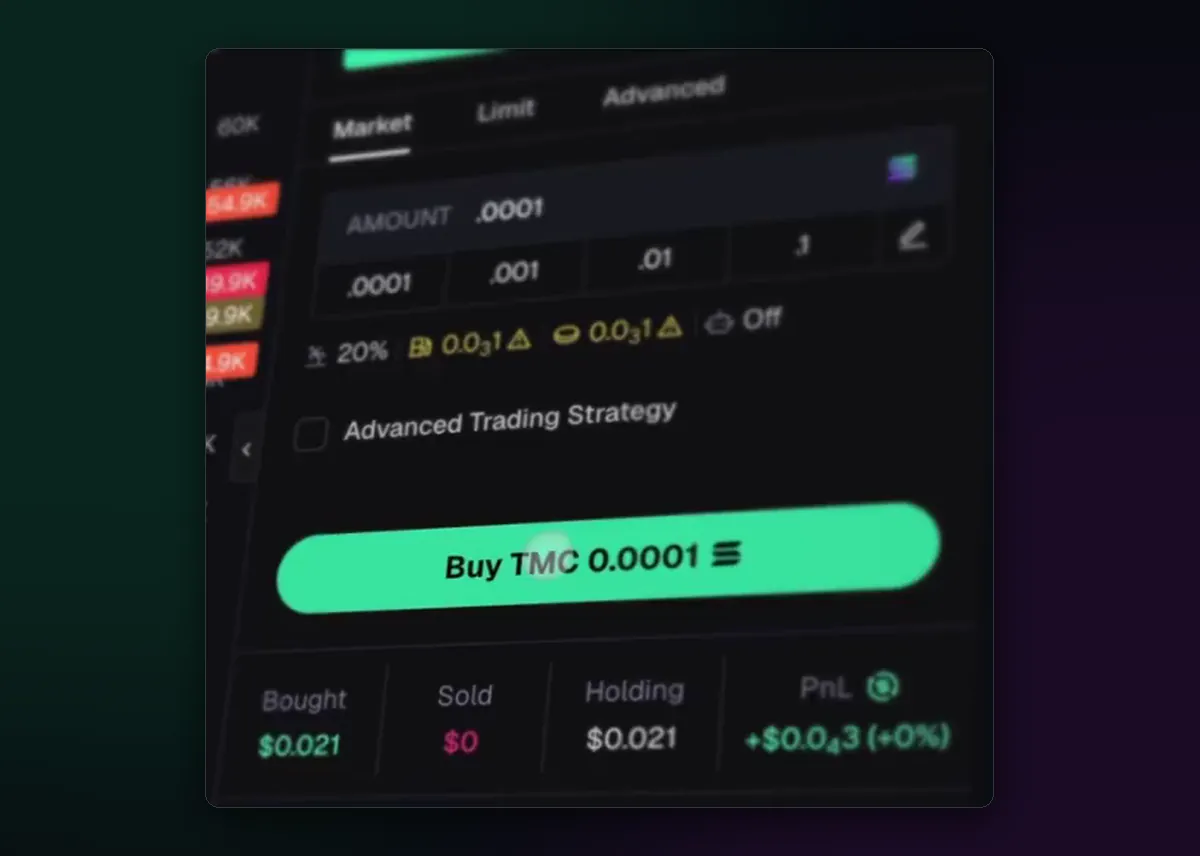
Open the token by clicking its row or pasting its contract address into search. The panel on the right starts on Market. Type an amount or tap a preset button, glance at the settings line under the amounts (slippage, priority fee, bribe, MEV), and press Buy. Once it fills, the row underneath tracks what you bought, sold and still hold, with profit or loss in real time.
Before you press it, read the Token Info block below the panel. It shows how much the top 10 holders own, the dev's share, and what insiders and bundled wallets hold. A coin where a handful of wallets own most of the supply can be dumped on you in one block.
Quick Buy from Pulse and Discover
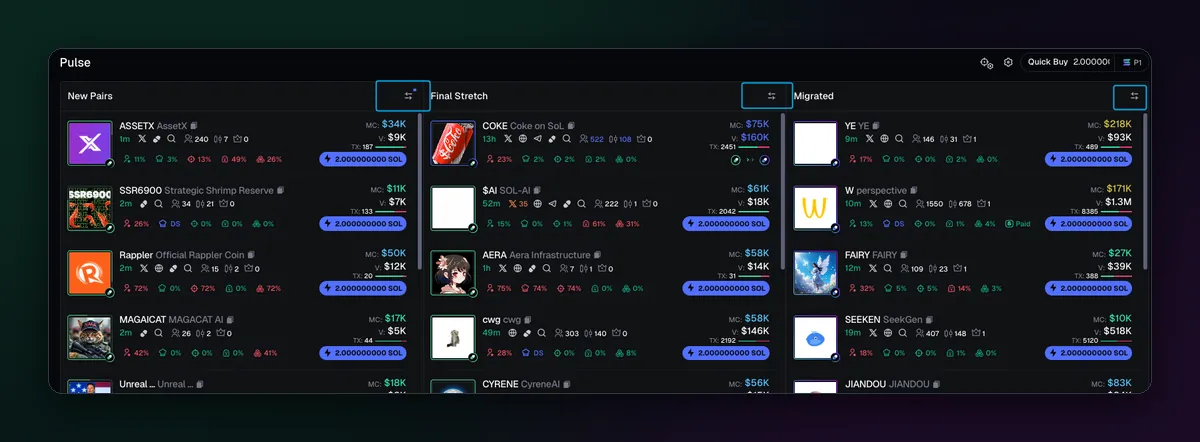
Each row in Pulse and in Discover ends in a lightning button labelled with an amount. Set that amount once in the Quick Buy box at the top of the list, and a single click buys it from your selected wallet with your current preset, without leaving the feed. It is fast, which is the point, and also the risk: a misclick is a real trade. Keep the Quick Buy amount small and raise it only on purpose.
A limit buy instead of a chase
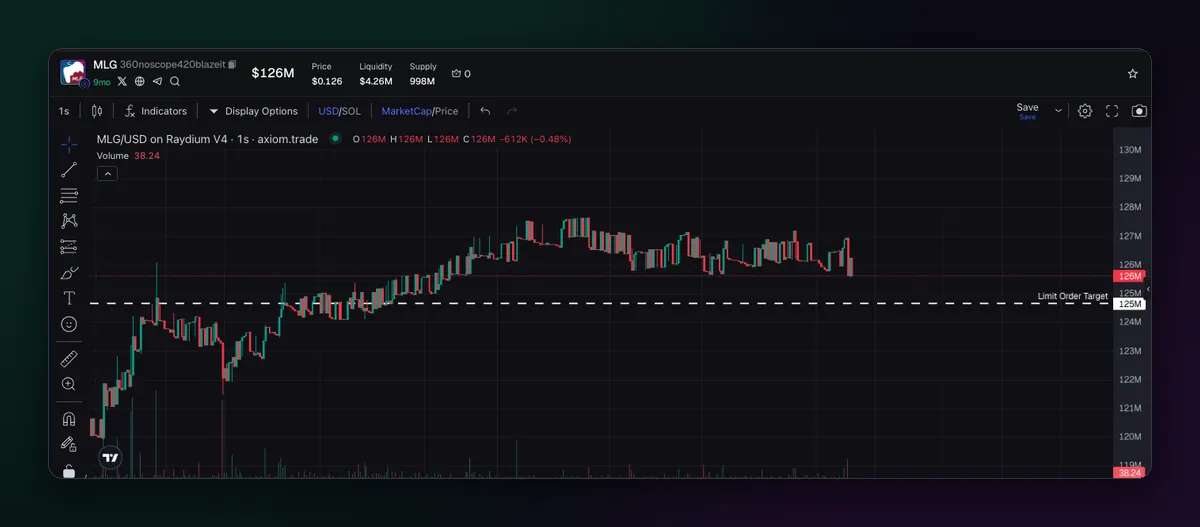
If the price has already run, switch the panel to Limit and set the price you are willing to pay, either with the slider or by dragging the line on the chart. The order waits until the token trades there, which saves you from buying the top of a candle in a hurry. The limit orders guide covers when they help and when they never fill.
Before any buy
- Right chain, right wallet. The amount buttons are priced in the coin of the selected chain, and the buy goes out from the wallet ticked in the panel.
- Right contract. Copy the address from the project itself; tickers repeat.
- Right preset. A launch preset with a big bribe on an ordinary buy is money thrown away; How to Set Up Trading Presets shows how to keep them apart.
- An exit in mind. Decide where you sell before you buy; selling all or part of a position explains the tools.

Written by Mohammad Shahpari · Web3 CMO, Crypto Growth & SEO Specialist · X · LinkedIn
Did this answer your question?