
How to Withdraw from Axiom to Phantom
Withdrawing from Axiom to Phantom is a plain Solana transfer: copy Phantom's Solana address, press Withdraw in Axiom, send a test amount, then the rest. The details that trip people up are below.
 Updated November 7, 2026
On this page
Withdraw, or just import?
There are two ways to see your Axiom money in Phantom, and they do different things. Withdrawing moves the SOL to a separate Phantom wallet with its own keys. Importing your Axiom recovery phrase or private key into Phantom moves nothing at all: Phantom simply opens the same wallet Axiom uses. Pick withdrawal when you want the funds out of the trading wallet, and import when you only want a second way in, covered in How to Export Your Axiom Private Key.
Check what you hold first
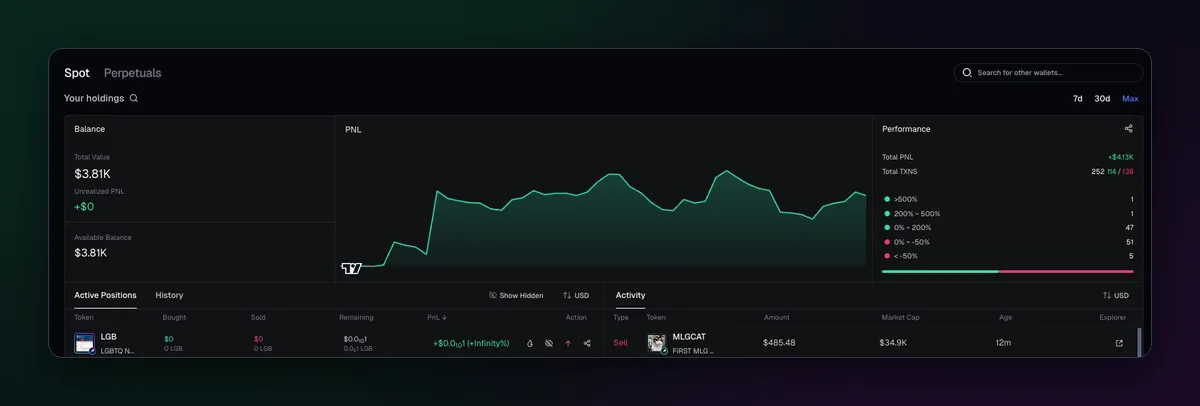
Open Portfolio and look at Active Positions. The Withdraw window is built around SOL, so don't count on a memecoin you still hold leaving with it. Either sell the position to SOL first, or export the wallet's key into Phantom and move the token from there. Leave a few thousandths of a SOL behind if you still plan to trade from that wallet, since every sell needs fee money.
Copy the right address in Phantom
Phantom holds addresses on several chains, so the receive screen can list Solana, Ethereum, Base and others. Copy the Solana one. It is 32 to 44 characters of letters and numbers, with no 0x at the front; an address starting with 0x belongs to an EVM chain and is the wrong one here.
Send it from Axiom
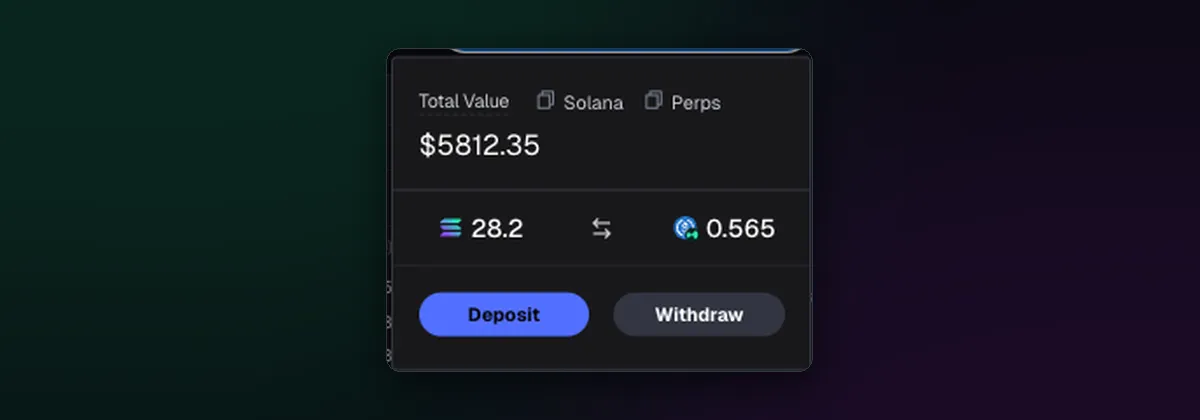
- Set the chain selector to SOL and click the wallet button at the top right.
- On the Solana tab, press Withdraw.
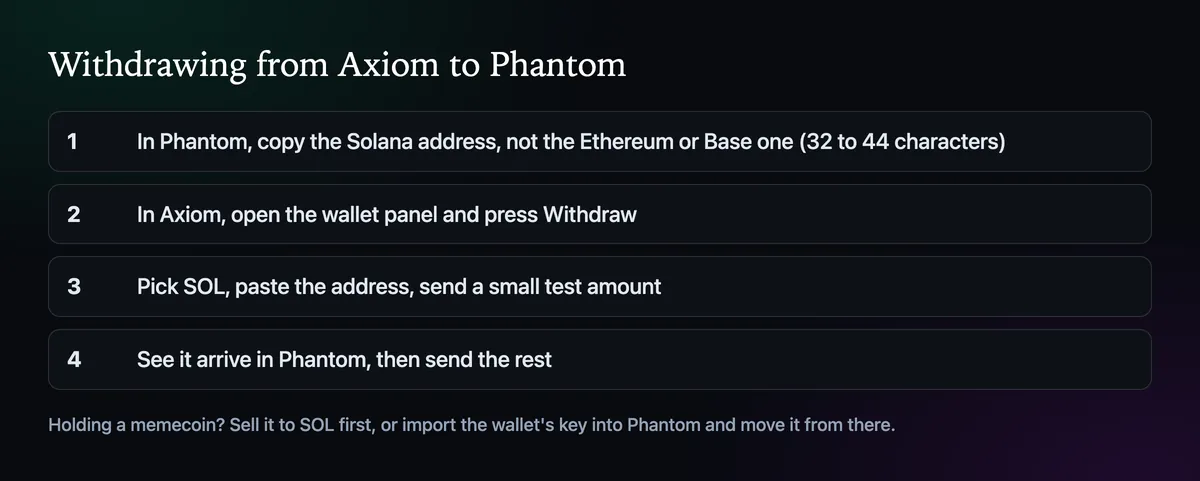
- Choose SOL, paste the Phantom address and enter a small test amount.
- Confirm, watch it arrive in Phantom, then repeat with the rest.
A Solana transfer settles in a few seconds and costs a fraction of a cent in network fees. If Phantom doesn't show it after a minute, look up the transaction on Solscan; a successful transfer to the right address is already in your wallet, and Phantom just needs a refresh.
Money in the Perps tab
The Perps tab is USDC sitting on Hyperliquid, and it can't go straight to Phantom. Convert it back to the Solana side first, which takes about five minutes, then withdraw as above; How to Convert Funds Between Chains on Axiom walks through it.
One safety habit
Paste the address, then compare its first and last four characters with Phantom before you press confirm. Clipboard malware that swaps a copied address for the thief's is real, and the comparison takes three seconds. The Axiom wallet guide has more on keeping the trading wallet safe.

Written by Mohammad Shahpari · Web3 CMO, Crypto Growth & SEO Specialist · X · LinkedIn
Did this answer your question?