
How to Sell All or Part of a Position
Selling on Axiom can be one click or a plan you set up at the moment you buy. Here are the five ways out of a position, from a plain 100% sell to exits that fire while you are asleep.
 Updated November 8, 2026
On this page
The ways out
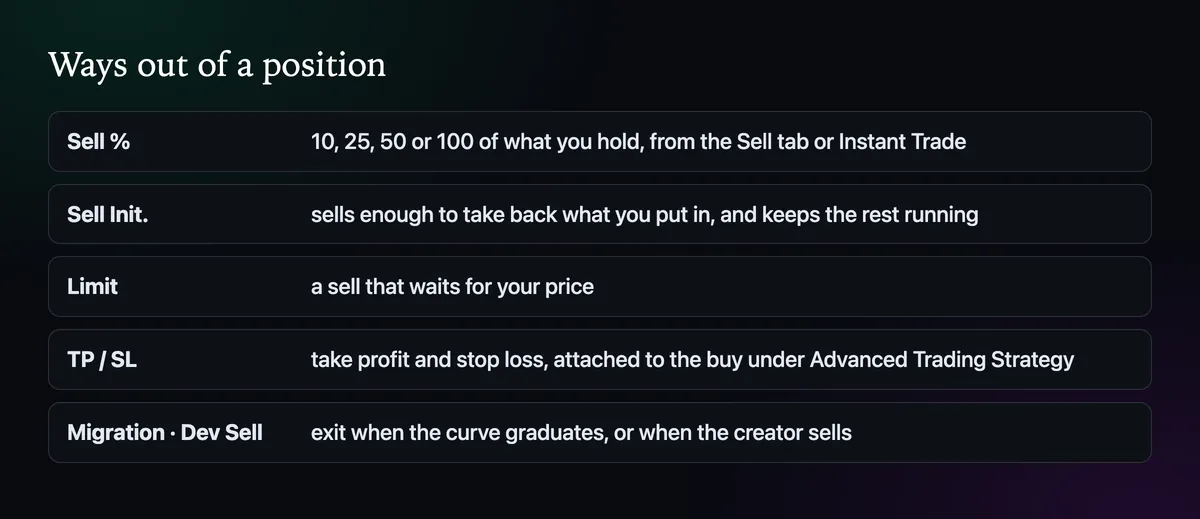
Manual sells are the Sell tab and the sell row of Instant Trade. Automatic ones are the limit sell, take profit and stop loss, and the two event-driven exits under Advanced. Most traders use both kinds: an automatic stop for the worst case, and a hand on the button for everything else.
Sell a percentage
Switch the order panel to Sell and pick a share: 10, 25, 50 or 100% of what you hold, or type your own. Selling in pieces is the habit that saves the most money on fast coins. Take a quarter off on the first big move, another quarter on the next, and the last part can ride without the trade ever turning into a loss.
Instant Trade has a button worth knowing: Sell Init. It sells enough of the position to take back what you paid, so whatever remains is profit you are playing with. It is the cleanest answer to the question "should I sell now" when the honest answer is "some of it".
Take profit and stop loss
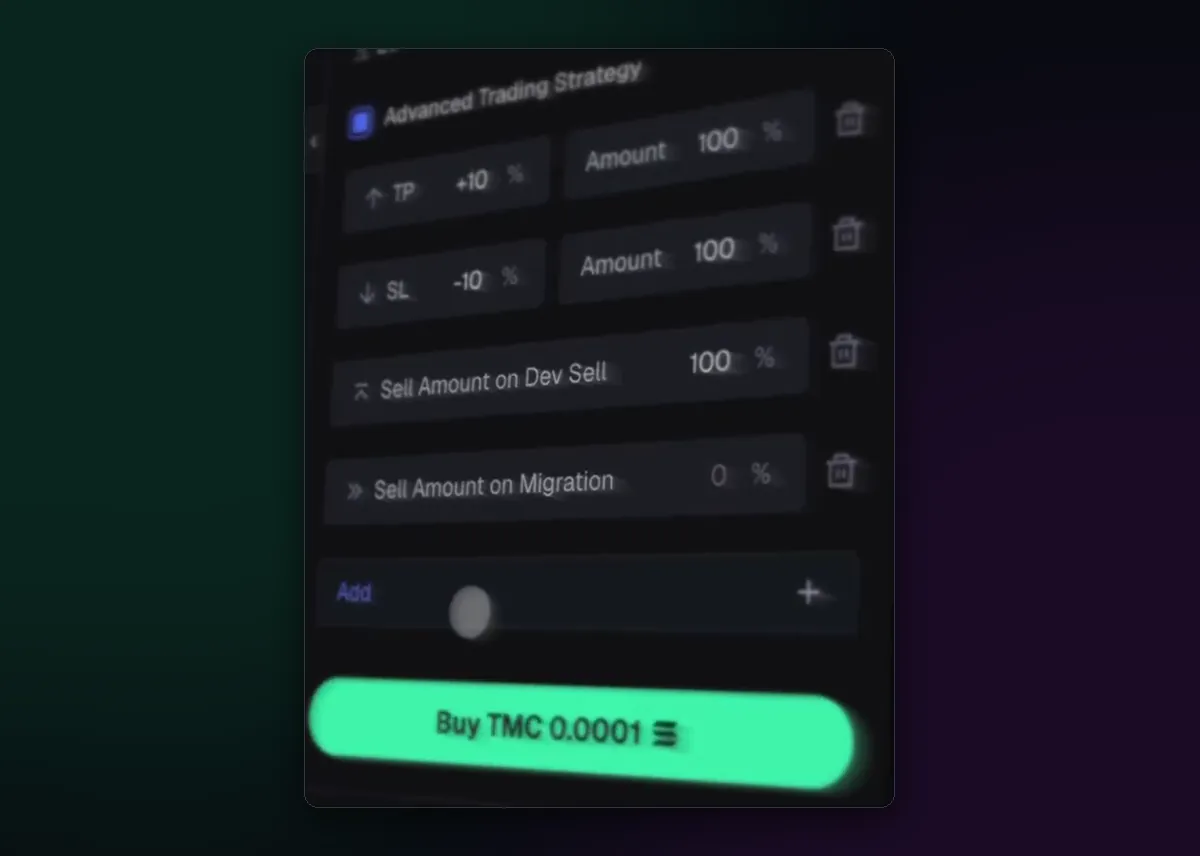
Tick Advanced Trading Strategy under the buy amounts before you press Buy. Add a TP row with a gain in percent and how much of the position to sell there, and an SL row with the loss you accept. You can stack several, such as half at +50% and the rest at +150%, and add a sell that fires if the creator sells or when the coin migrates.
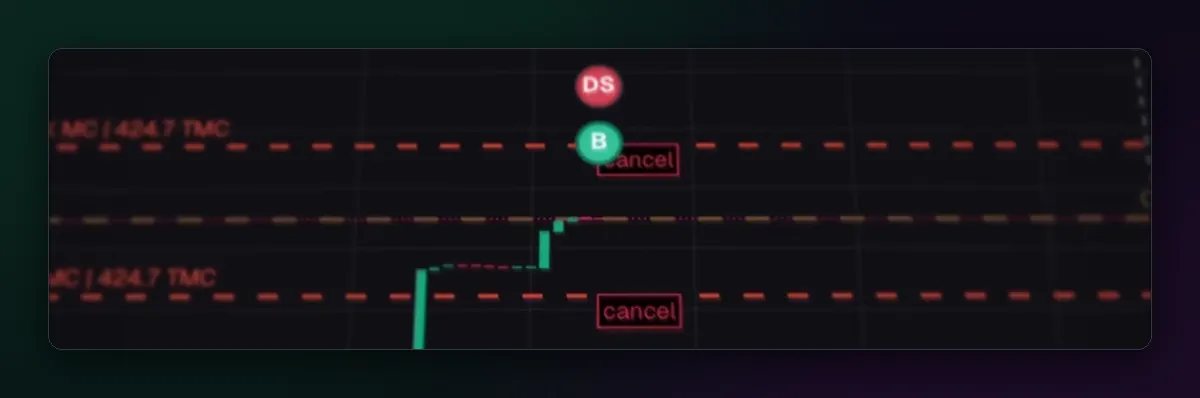
Once the buy fills, the exits appear on the chart as dashed lines, each with a cancel button, and a DS marker shows if the dev sold. Remember what a stop loss on a memecoin can and can't do: in a single crash candle it sells at the next price available, which may be well under your line. The Axiom auto sell guide goes deeper into setting levels.
A limit sell at your target
On the Limit tab, switch to Sell and set the price, or drag the line on the chart. Unlike a TP it doesn't need to be attached to a buy, so it works for tokens you bought days ago or received from someone.
When a sell doesn't go through
- Raise slippage a step; a falling coin needs more room than a rising one.
- Check that the wallet holding the tokens is the one ticked in the panel.
- Keep a little SOL for fees. A wallet with tokens and no SOL can't sell.
More causes and fixes are in How to Set Slippage on Axiom.

Written by Mohammad Shahpari · Web3 CMO, Crypto Growth & SEO Specialist · X · LinkedIn
Did this answer your question?