
Which Browser Extensions Are Safe with Axiom?
Axiom runs in your browser, so every extension you install can see it. In September 2026 researchers found extensions stealing logged-in Axiom sessions. Here is how that works and how to set up a browser that can't be used against you.
 Updated November 14, 2026
On this page
Why extensions are the weak spot
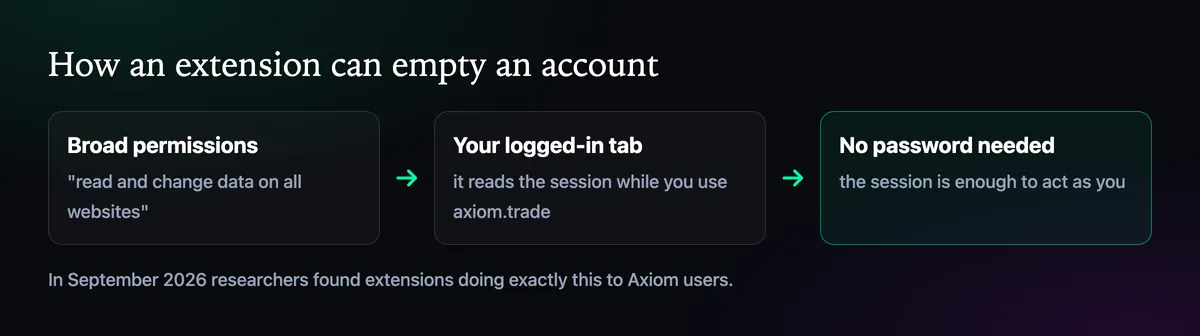
Many extensions ask to "read and change data on all websites". With that permission, an extension can read the page while you are logged in to axiom.trade, including what keeps you logged in. A stolen session lets someone act as you without your password or your recovery phrase. That is what the extensions found in September 2026 did, and why a wallet can be emptied by someone who never saw your keys.
Which extensions to worry about
- "Trading helpers" and sniper add-ons promising faster buys or alerts on Axiom. Axiom has no official extension.
- Clones of popular tools, published by someone other than the real developer, often with a near identical name.
- Old extensions that changed hands. A harmless tool can be sold and updated with new code you never agreed to.
- Anything you don't remember installing.
A five-minute audit
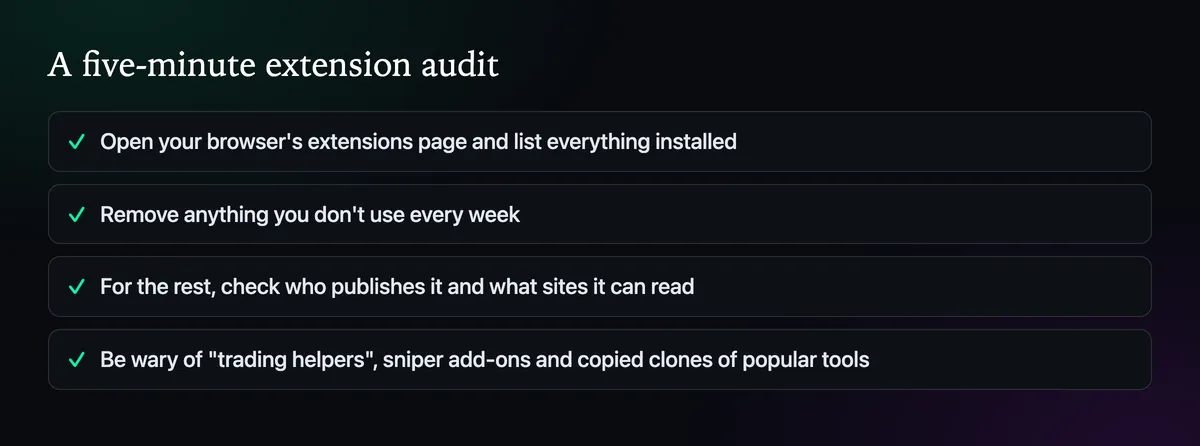
Open your browser's extensions page and go through the list. Remove everything you don't use every week. For what stays, check the publisher and the site permissions, and limit any that can read all websites to the sites they need. Wallet extensions like Phantom are needed only if you log in or sign with them.
The safest setup: a trading profile
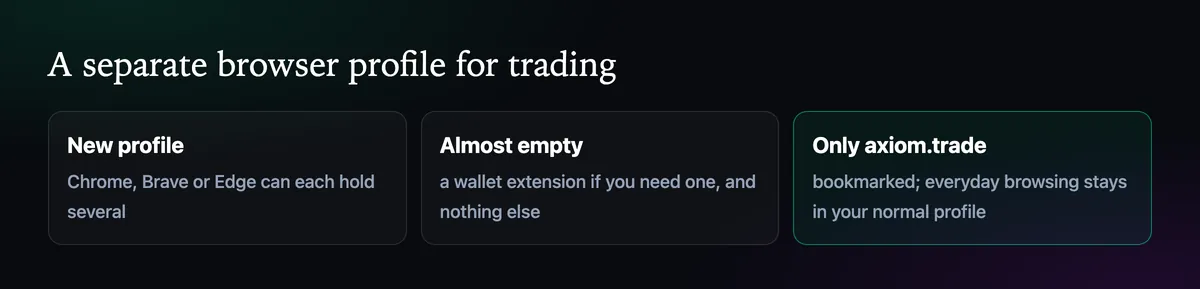
Chrome, Brave and Edge can all hold several profiles, each with its own extensions and logins. Make one just for trading: no extensions except a wallet if you need it, a bookmark for axiom.trade, and nothing else. Everyday browsing, shopping coupons and AI writing tools stay in your normal profile, where they can't see your trading tab.
Habits that close the rest
Log out of Axiom on shared computers, never share your screen while logged in, and lock your computer when you step away. If you suspect a session was taken, change your password, log out and follow What to Do If Your Wallet Was Drained. The official website page covers the other ways people lose access.

Written by Mohammad Shahpari · Web3 CMO, Crypto Growth & SEO Specialist · X · LinkedIn
Did this answer your question?