
How to Import Tracked Wallets from BullX
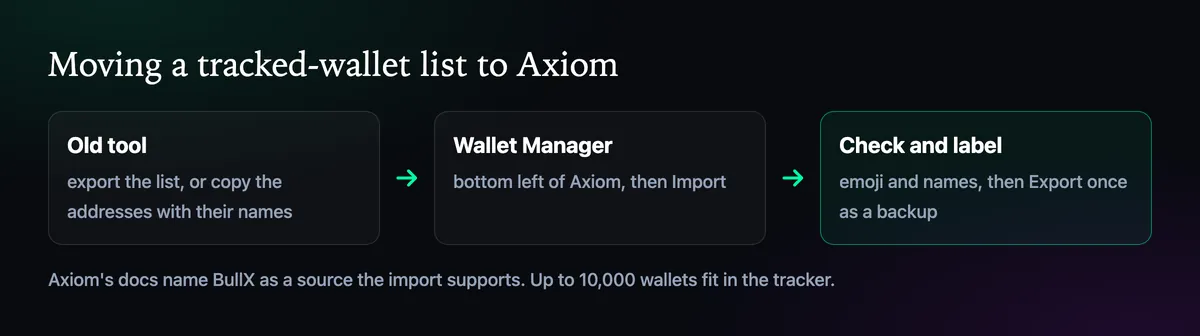
If you tracked wallets on BullX or another terminal, you don't have to re-add them one by one. Axiom's Wallet Manager imports a list in one go and exports yours for backup. Here is how to move a list across cleanly.
 Updated November 11, 2026
On this page
Why people move their lists
A good wallet list takes months to build: every name is a wallet you watched win more than once. Losing it when you change terminals is the worst part of switching. Axiom's docs say it plainly: if you were on platforms like BullX, you can import your wallets straight into its tracker. With BullX silent in public since April 2025, many lists are making exactly that move.
Import the list

- Get the list out of the old tool. Use its export option if it has one, or copy the addresses with their names.
- Open the wallet tracker in Axiom's bottom left corner and go to the Manager tab.
- Press Import and paste or load the list.
- Check the result: every wallet should appear with its name, and none twice.
Clean the list while you are at it
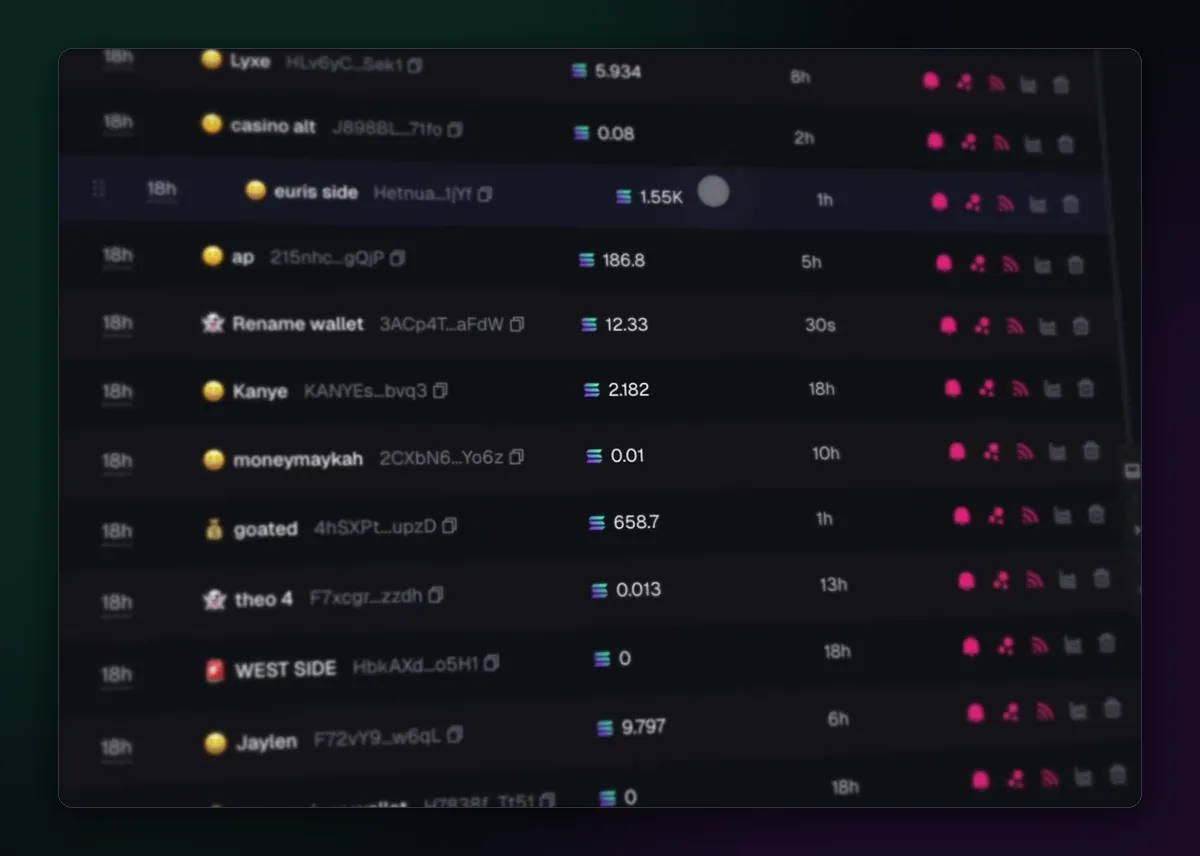
An imported list is a good moment to prune. The Manager shows each wallet's balance and how long ago it was last active. A wallet that hasn't traded in months, or holds nothing, is noise in your alerts; remove it or give it a name that says it's dormant. Wallets that rotate funds through fresh addresses also go stale fast, so check the Transfers tab for where the money went.
Then give the survivors an emoji and a clear name. On a busy chart, an emoji is how you tell which of your wallets just bought without reading anything.
Export once as a backup
When the list looks right, press Export and keep the file somewhere safe. It is your list in a form you can import again on another Axiom account, or restore if you delete something by mistake. Do it again whenever you add a batch of good wallets.
Put the list to work
A tracker is only useful if you see its trades in time; How to Turn On Live Trade Alerts sets that up. Adding single wallets later is covered in How to Add a Wallet to the Wallet Tracker, and the Axiom vs BullX page compares the two terminals in more detail.

Written by Mohammad Shahpari · Web3 CMO, Crypto Growth & SEO Specialist · X · LinkedIn
Did this answer your question?