
How to Use the Tweet Preview Popup
The tweet preview popup shows the post a coin links to without leaving Pulse: author, text, picture and replies. It is the fastest way to judge whether a coin's story is real before you buy.
 Updated November 11, 2026
Why it exists
Solana memecoins run on narratives, and most narratives start with a tweet. A coin's row in Pulse usually links to the post it is based on. Opening X in another tab costs seconds you may not have, so Axiom added a popup that shows the post right over the feed.
Use the popup

Hover the X icon on a coin's row in Pulse, or on its token page. The popup shows the author with their verification mark, the text, any image, the date, likes and replies, with a link to read the replies on X. Move the mouse away and it closes.
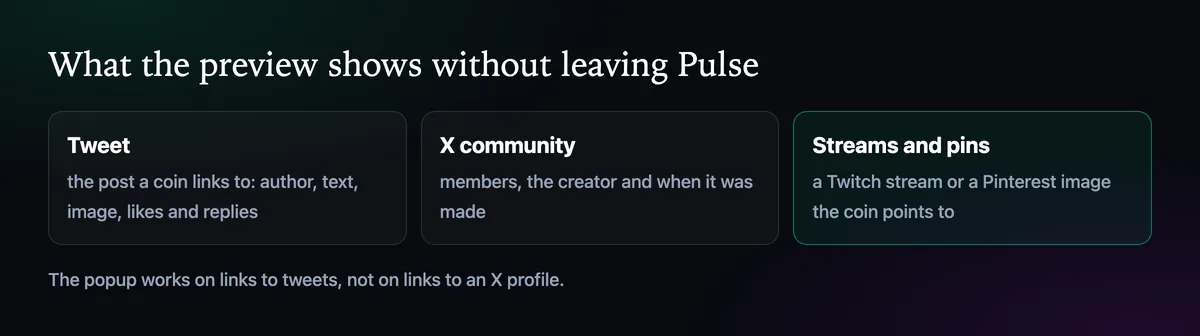
It works for tweets, not accounts. Axiom's docs note that the popup only opens for links to a post. A coin that links to a profile instead shows nothing, which is a small hint in itself: there was no specific post to point to.
Communities, streams and pins

Since June 2025 the hover previews cover more than posts. A coin that links to an X community shows its banner, member count, creator and creation date. A community made ten minutes ago with three members is not the same as one with months of history.
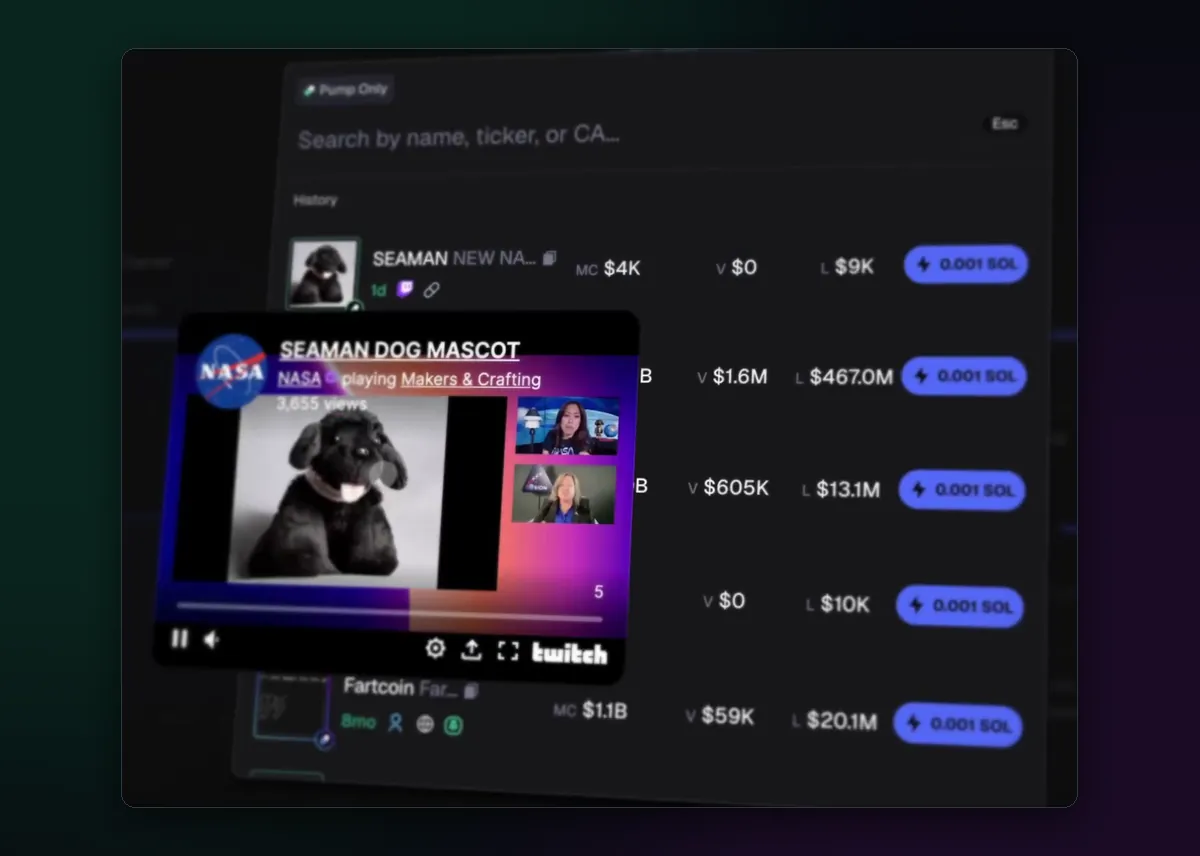
Twitch streams play in a small window over the row, and Pinterest images open the same way, so coins built on a stream or a picture can be checked as quickly as ones built on a tweet.
What to check in three seconds
- Who posted it. A large, verified account moves coins; an account with no followers rarely does.
- When. A post from today is a fresh narrative; one from last year is a coin borrowing an old joke.
- Whether the coin matches. Same name, same picture. Copies often link to the right post with the wrong token.
For posts from accounts you follow on purpose, the X monitor brings them to you before the coins appear. The Twitter tracker page covers both tools together.

Written by Mohammad Shahpari · Web3 CMO, Crypto Growth & SEO Specialist · X · LinkedIn
Did this answer your question?