
How to Set Up Pulse Filters
Pulse filters decide which new tokens reach your screen. Each column has its own set: fourteen numeric ranges, plus launchpads, keywords and socials. A few good rules turn a firehose into a short list.
 Updated November 10, 2026
On this page
Open the filters
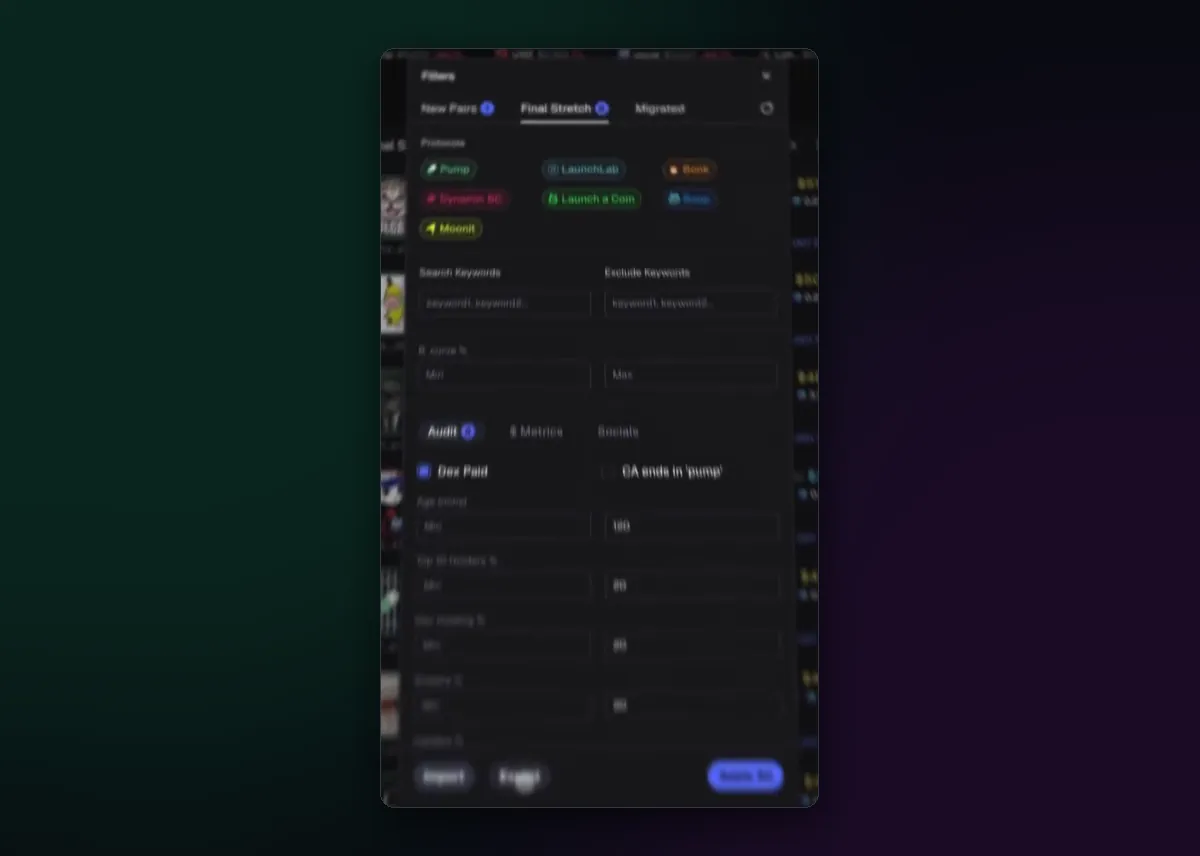
Each Pulse column has a filter button in its header. The window that opens has a tab for every column, so you can give New Pairs strict rules and Migrated looser ones. At the top are the protocols, the launchpads the column reads, which you can switch on or off one by one. Below them are search and exclude keywords, then audit, metric and social rules.
What you can filter on
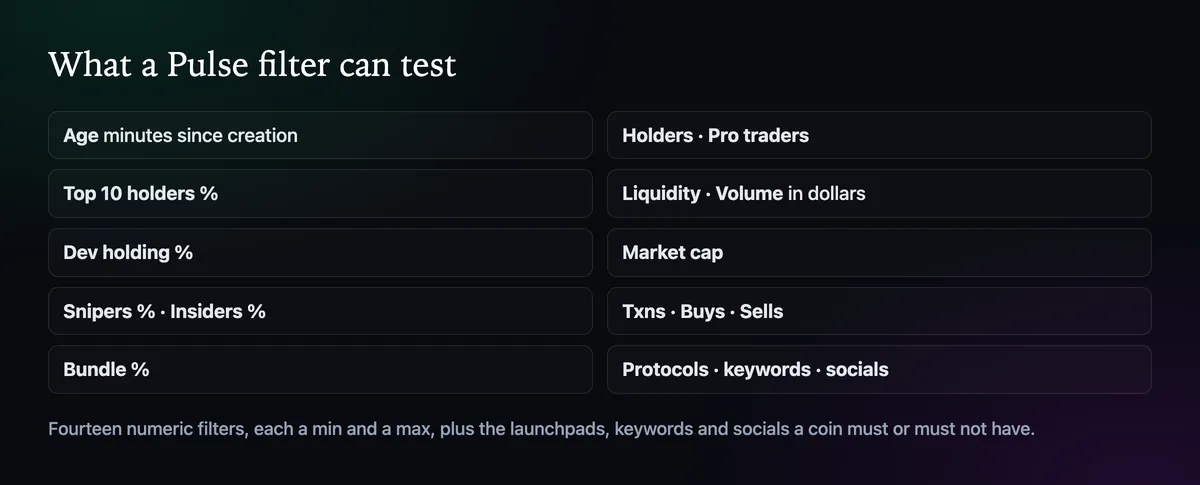
Axiom's docs list fourteen numeric filters. Age is in minutes. Top 10 holders, dev holding, snipers, insiders and bundles are shares of supply, and lower is safer. Holders and pro traders count wallets. Liquidity, volume and market cap are in dollars. Transactions, buys and sells count trades, which together show whether buyers or sellers are in control.
A sensible starting set
- Top 10 holders under 30%, so a few wallets can't sink the coin in one block.
- Bundles under 10% and insiders under 10%, to skip most coordinated launches.
- Holders above 50 on Final Stretch and Migrated, so a coin has some real interest.
- At least one social link, which costs little to fake but filters out the laziest launches.
These numbers are a place to start, not a rule. Tighten them when the feed is too busy to read, loosen them when it goes quiet. Strict filters also hide coins until they clear the bar, which is why some pairs seem to appear late.
Blacklist developers
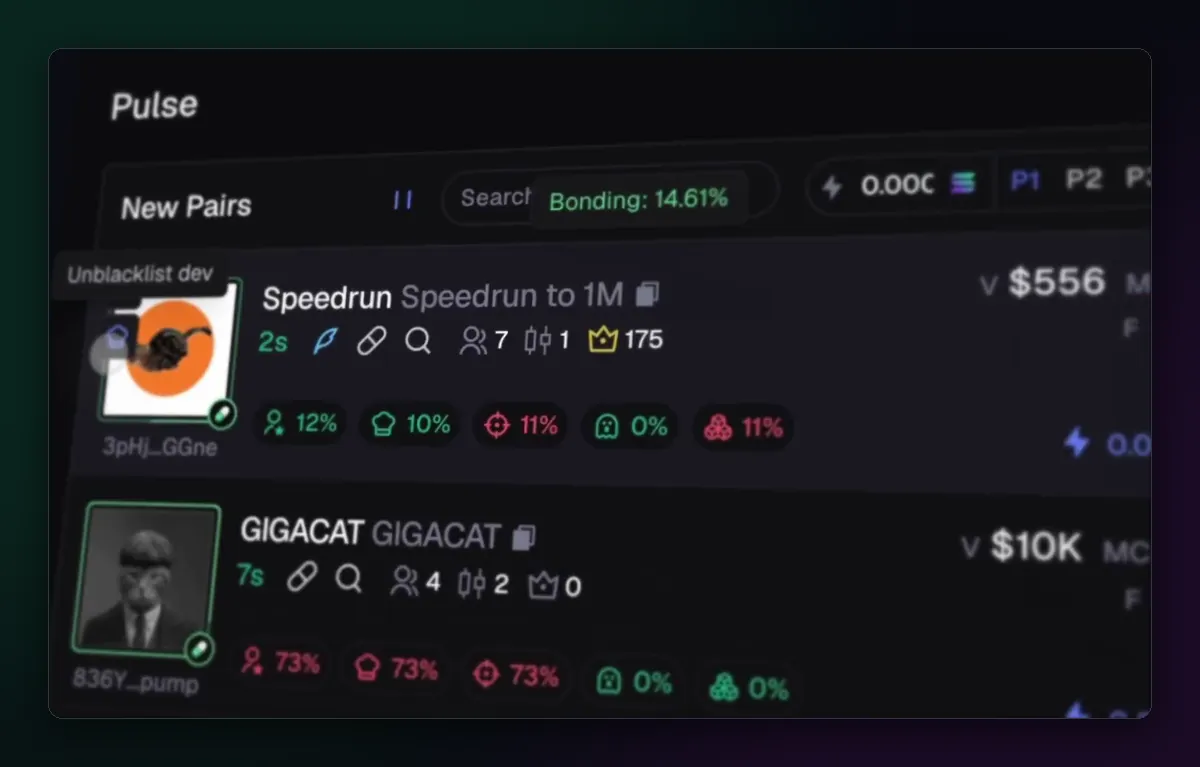
Some creators launch coin after coin and dump each one. Hover the picture on a row and blacklist the developer, and their launches stop appearing in Pulse. The same menu offers Unblacklist dev if you change your mind. Axiom also keeps a master blacklist across Pulse, so one decision covers every column.
Save and share a setup
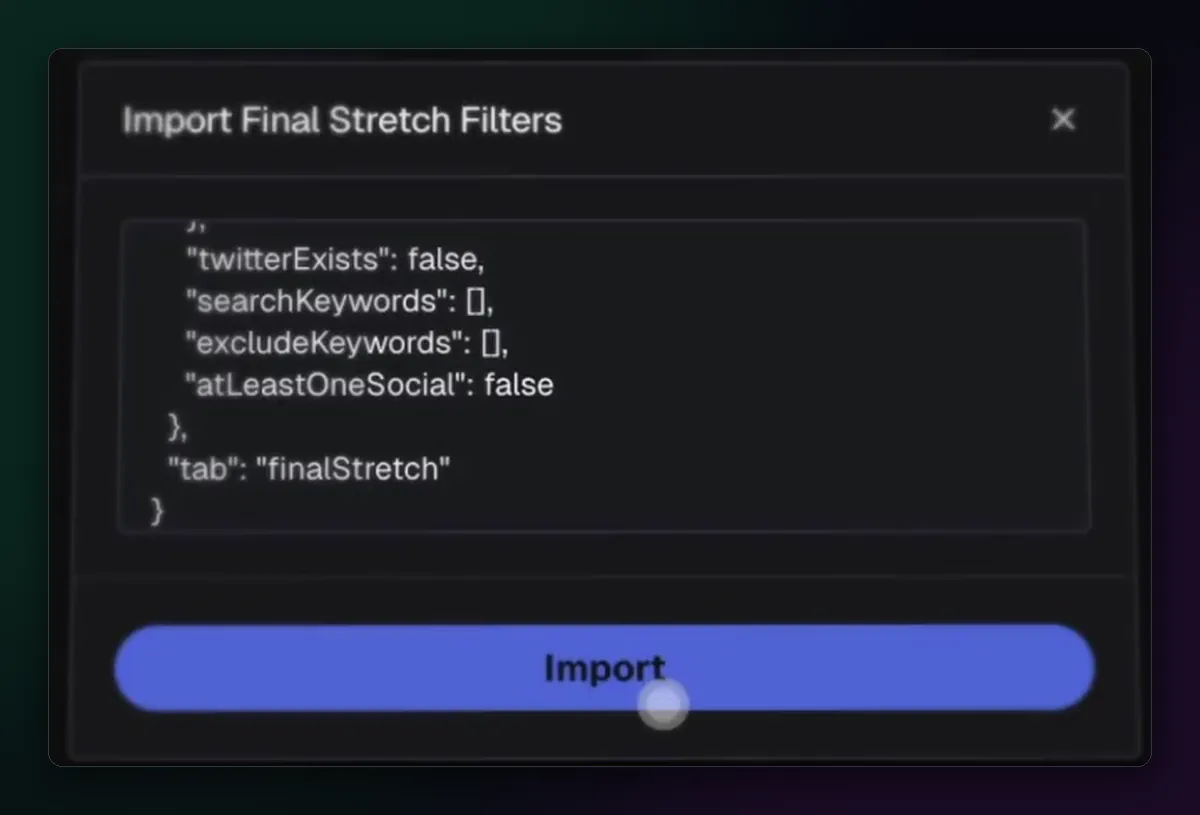
The Export button copies a column's filters to your clipboard as text; Import pastes a set back in. Keep a copy of a setup that works before you experiment, and you can always return to it. It is also how traders swap Final Stretch setups with each other, though a filter from a stranger deserves the same suspicion as a coin from one.
The memecoin sniper guide shows how filters fit into a launch-trading routine.

Written by Mohammad Shahpari · Web3 CMO, Crypto Growth & SEO Specialist · X · LinkedIn
Did this answer your question?