
How to Use Trader Scan
Trader Scan opens any wallet's history with the token you are looking at: what it bought, what it sold, what it still holds, its profit and how long it has held. It answers the question charts can't: who is moving this coin.
 Updated November 10, 2026
On this page
Where to find it
Trader Scan is built into the trades list on every token page. Click a wallet in the list of recent trades, or in the Top Traders and Holders tabs, and its scan opens for that coin. Axiom's docs describe it as wallet-level activity for any token you are tracking.
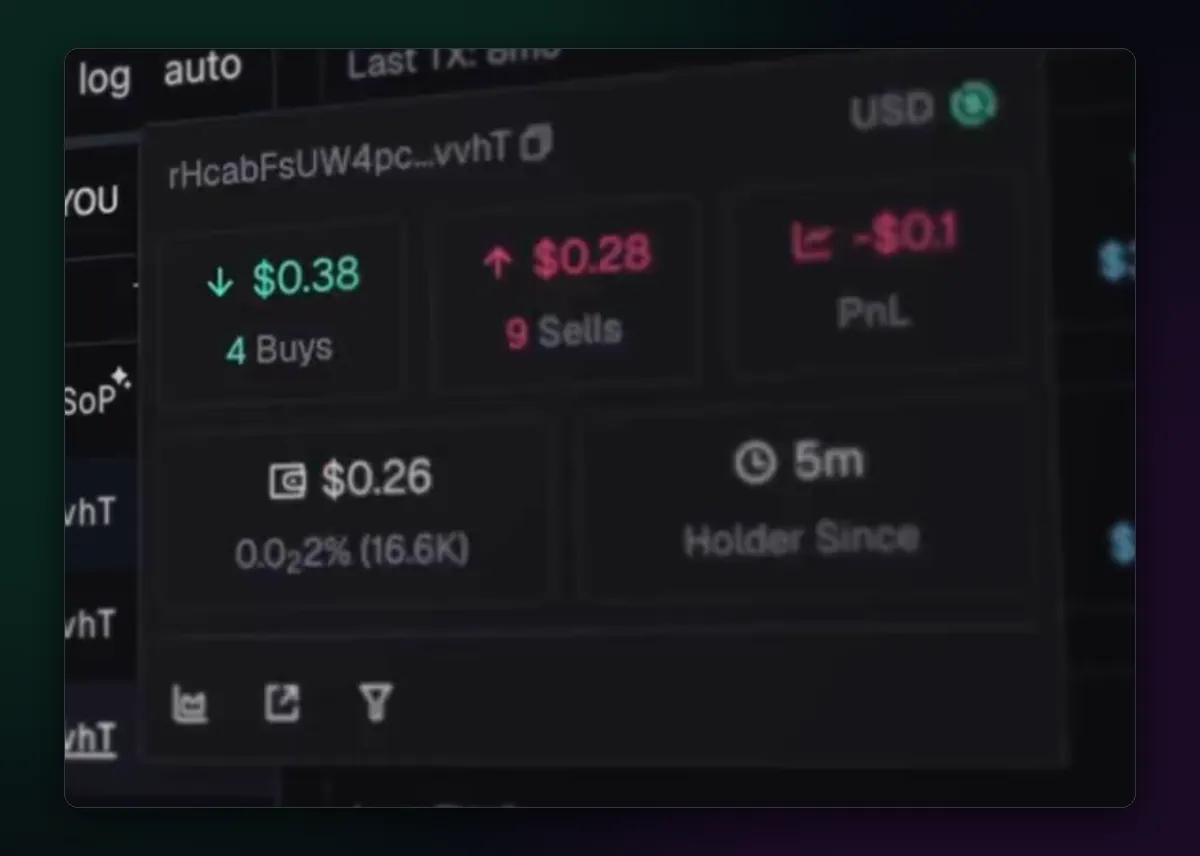
Read a scan in four parts
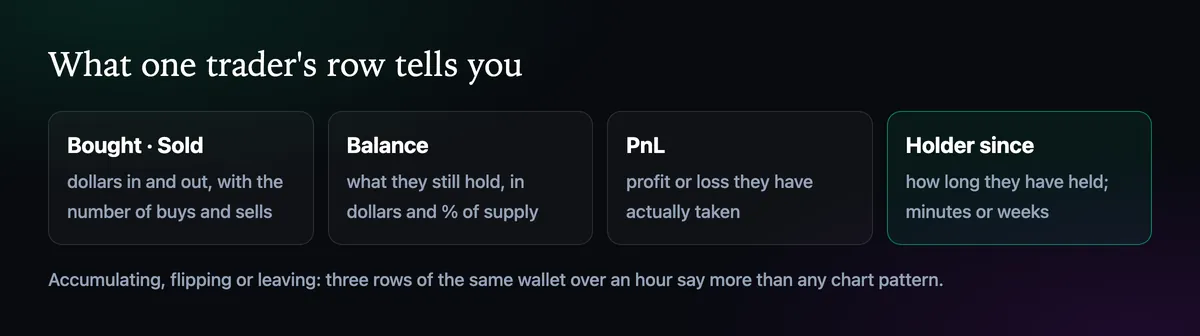
- Bought and sold, in dollars and number of trades. Four buys and nine sells means someone selling into the move in pieces.
- Balance, in dollars and as a share of supply. A small share after many sells is a wallet on its way out.
- PnL, the profit or loss it has actually realised.
- Holder since, minutes or days. Conviction looks different from a five-minute flip.
Where their money came from
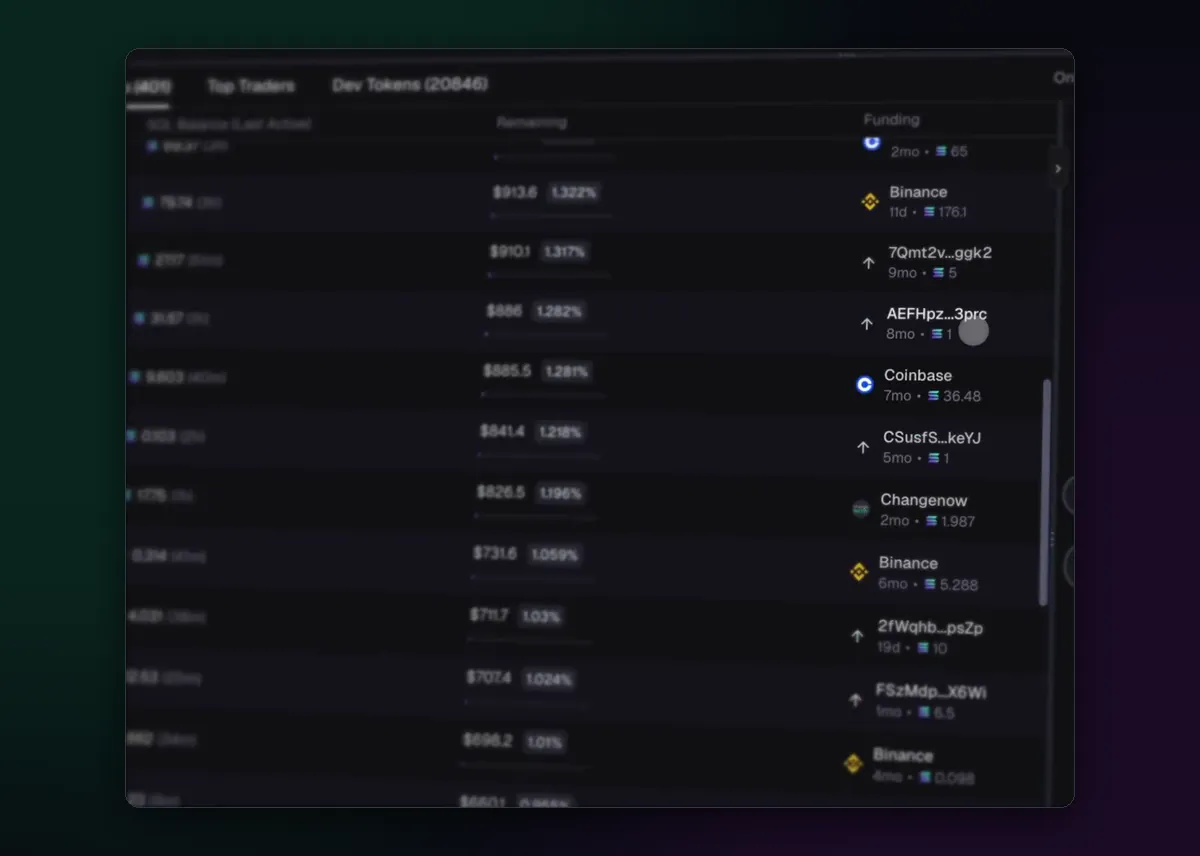
Since July 2025 the Top Traders and Holders tabs carry a Funding column: whether each wallet's SOL came from Binance, Coinbase, Changenow or another wallet, how long ago and how much. Ten top traders all funded minutes ago from the same source is not ten traders. Fresh wallets funded through the same exchange in the same hour are worth noticing too.
Filter the trades list
Above the trades sit three filters. DEV shows only the creator's trades, TRACKED only wallets in your wallet tracker, and YOU only your own. DEV is the one to keep an eye on: a creator selling into the first pump is the most common ending a memecoin has. Pair it with a Dev Sell exit from How to Sell All or Part of a Position if you hold.
Using it without fooling yourself
A wallet that made money on one coin is not a genius, and a wallet that looks smart may be the dev's own. Use scans to understand who is buying right now, not to pick heroes. When a wallet keeps showing up on winners, add it to the tracker and watch it for a while; the wallet tracking guide shows how.

Written by Mohammad Shahpari · Web3 CMO, Crypto Growth & SEO Specialist · X · LinkedIn
Did this answer your question?