
How to Use Discover and Trending
Discover is Axiom's view of tokens that are already trading: Trending, Surge, DEX Screener and Pump Live, each a different way of ranking what is moving. Pulse finds coins at birth; Discover finds the ones with momentum.
 Updated November 10, 2026
The four tabs
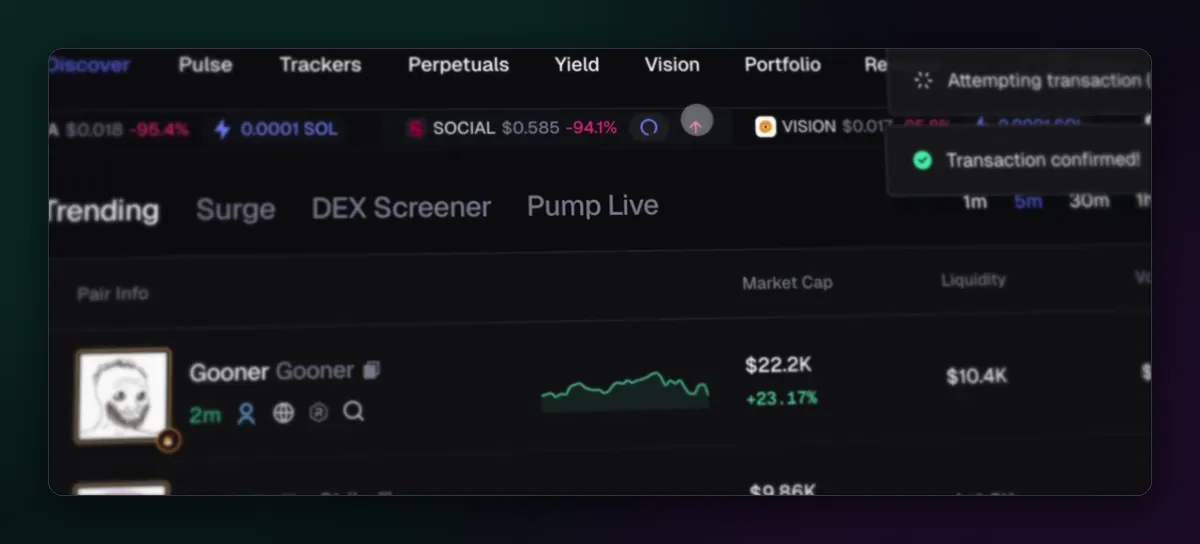
- Trending ranks tokens by trading activity over the window you pick.
- Surge picks out coins whose activity is suddenly jumping, Axiom's algorithmic alerts added in July 2025.
- DEX Screener lists new and active pairs in the style of that site.
- Pump Live follows coins whose creators are streaming on pump.fun.
Reading Trending
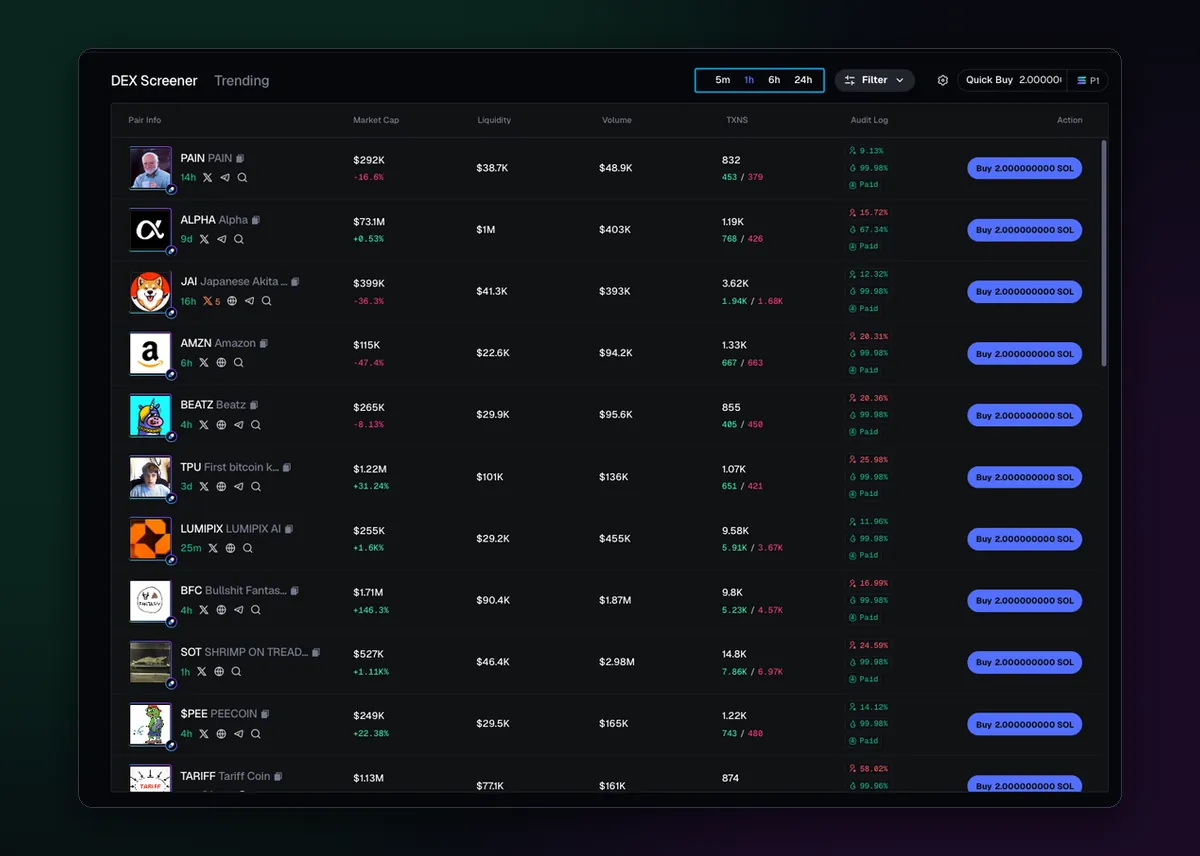
Each row shows market cap, liquidity, volume and the number of buys and sells for the window, then the audit numbers and a Quick Buy button. Switch the window between short and long periods: a coin that tops the five-minute list but not the hour is a spike, while one high on both has staying power. Axiom reworked the ranking in June and July 2025.
Axiom's own docs carry a warning worth repeating: not all high volume is genuine. Wash trading, one wallet buying from itself, inflates volume cheaply. Volume far above liquidity, with few holders, is the tell.
Filter what you see
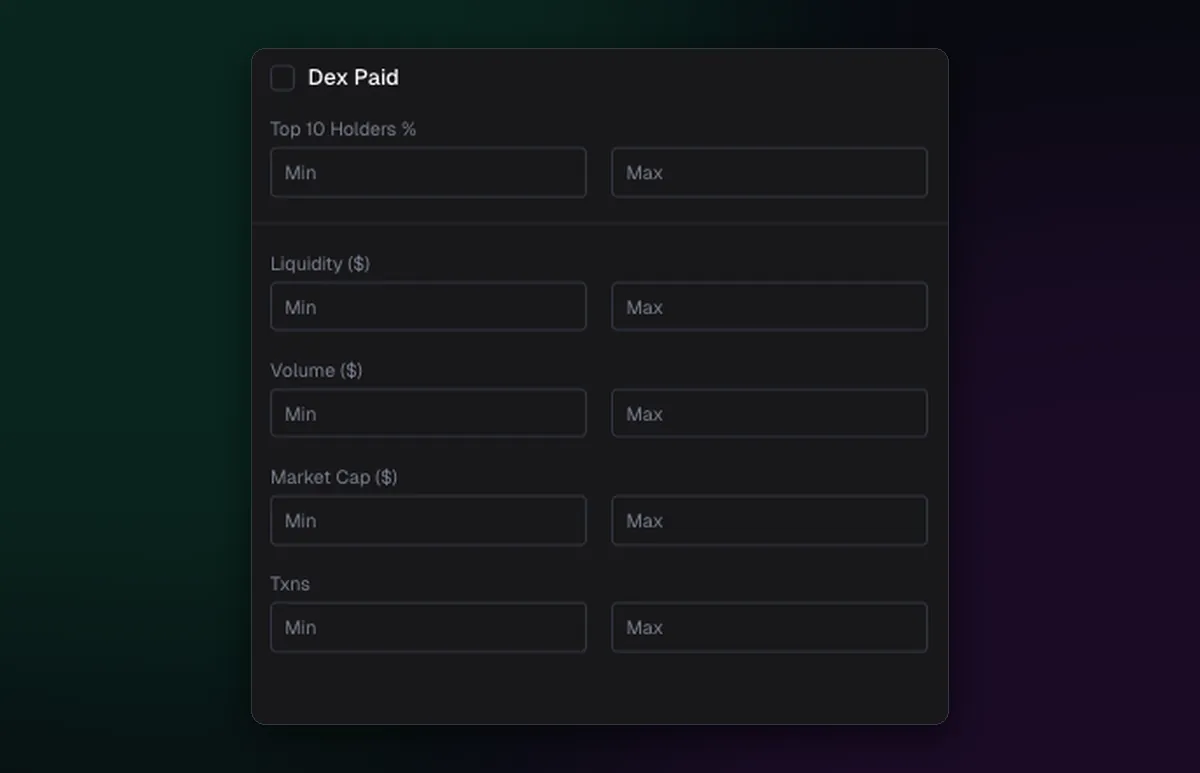
Discover's filters are simpler than Pulse's: Dex Paid, top 10 holders, liquidity, volume, market cap and transactions, each as a range. A minimum liquidity of a few tens of thousands of dollars removes most coins you couldn't exit anyway. The search filter catches a specific ticker the moment it appears.
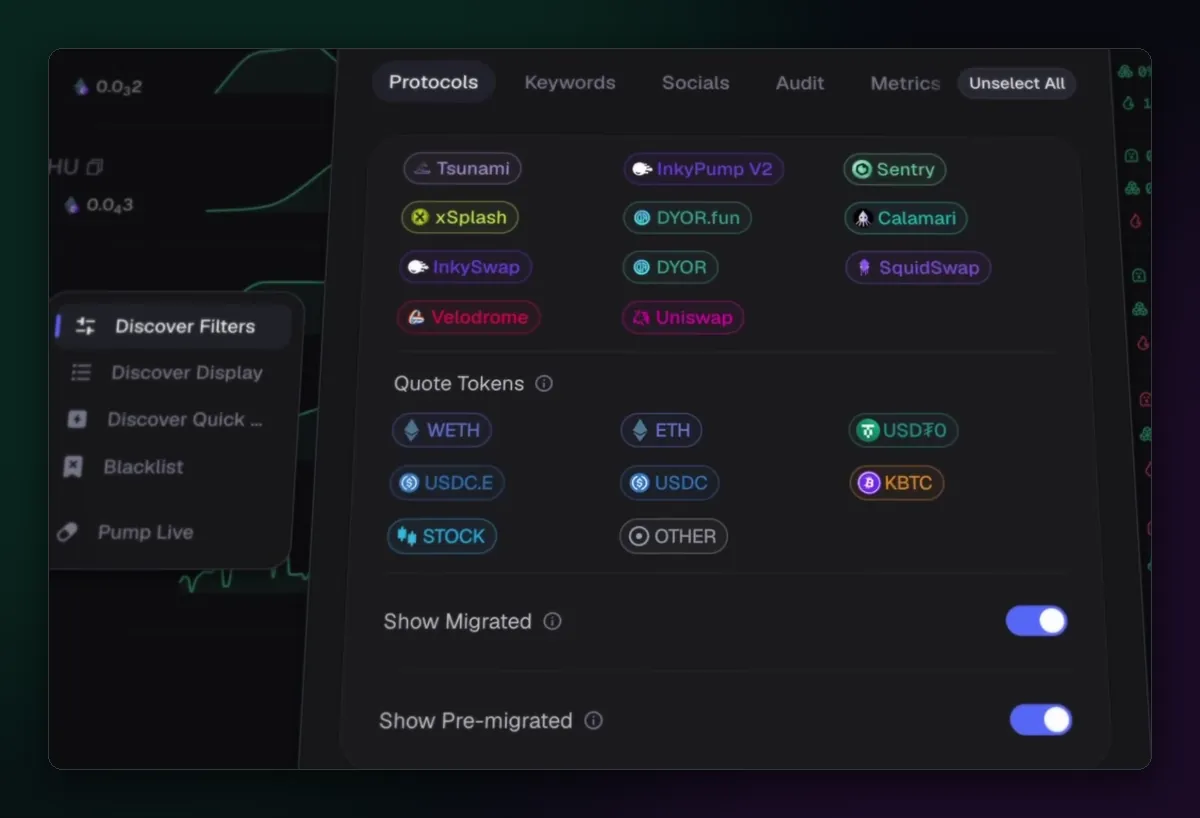
On the EVM chains the filters gain more tabs: the DEXes and launchpads to include, quote tokens such as WETH or USDC, and switches for migrated and pre-migrated coins. The side menu also holds display options, quick-buy settings and a blacklist.
Using Discover well
Treat Discover as a shortlist, not a buy list. Open what catches your eye, read its holders, and check it isn't a copy with How to Find Similar Tokens. Coins you want to come back to belong in the watchlist. The Axiom terminal guide shows how Discover sits next to Pulse and the trackers.

Written by Mohammad Shahpari · Web3 CMO, Crypto Growth & SEO Specialist · X · LinkedIn
Did this answer your question?