
How to Add a Wallet to the Wallet Tracker
Axiom's wallet tracker follows any wallet you add and shows its trades live, on charts and beside Pulse. Adding one takes an address, a name and an emoji. Here is how, and how to keep a list worth following.
 Updated November 10, 2026
On this page
Open the wallet tracker
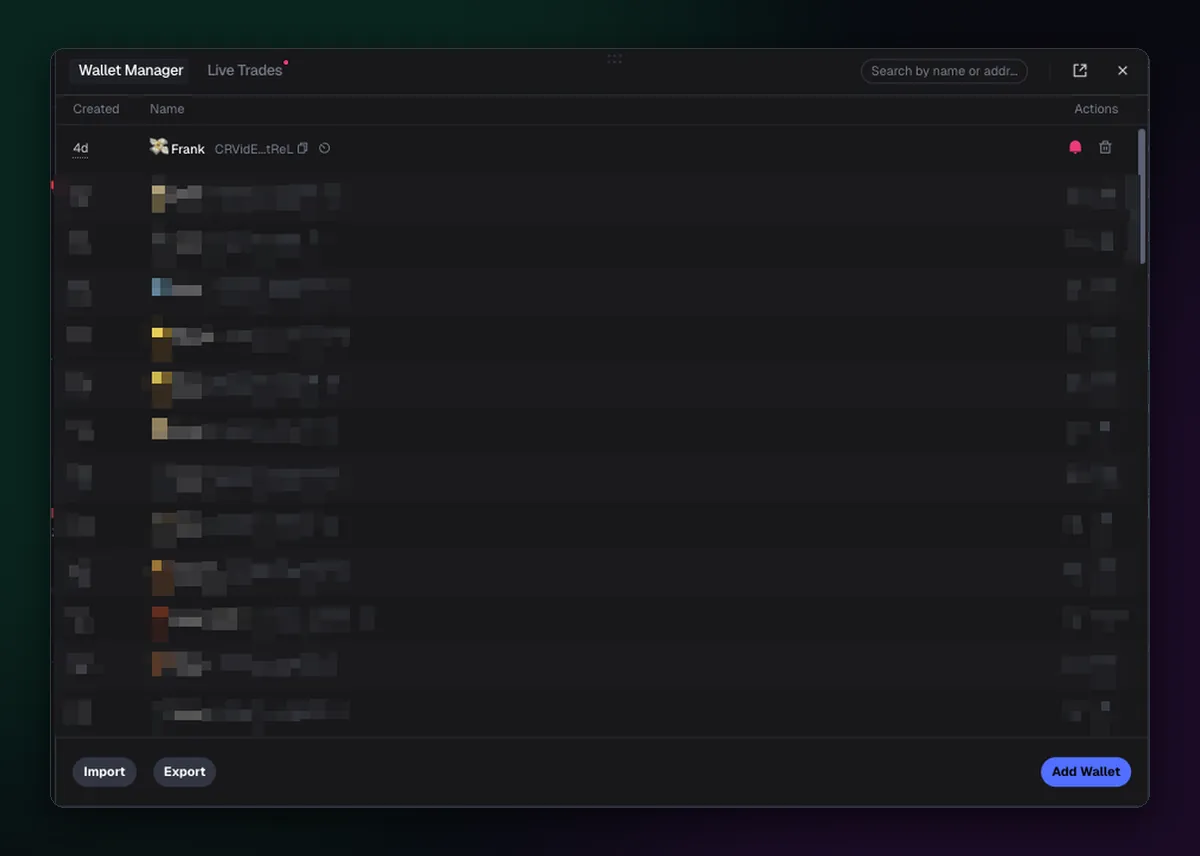
The tracker lives in the bottom left corner of the terminal, in the bar along the bottom of the screen. Click it and the Wallet Manager opens: a list of tracked wallets with when you added them, their name and address, balance and when each was last active. Axiom's docs pitch it as the replacement for Telegram wallet bots, and since July 2025 it holds up to 10,000 wallets.
Add a wallet
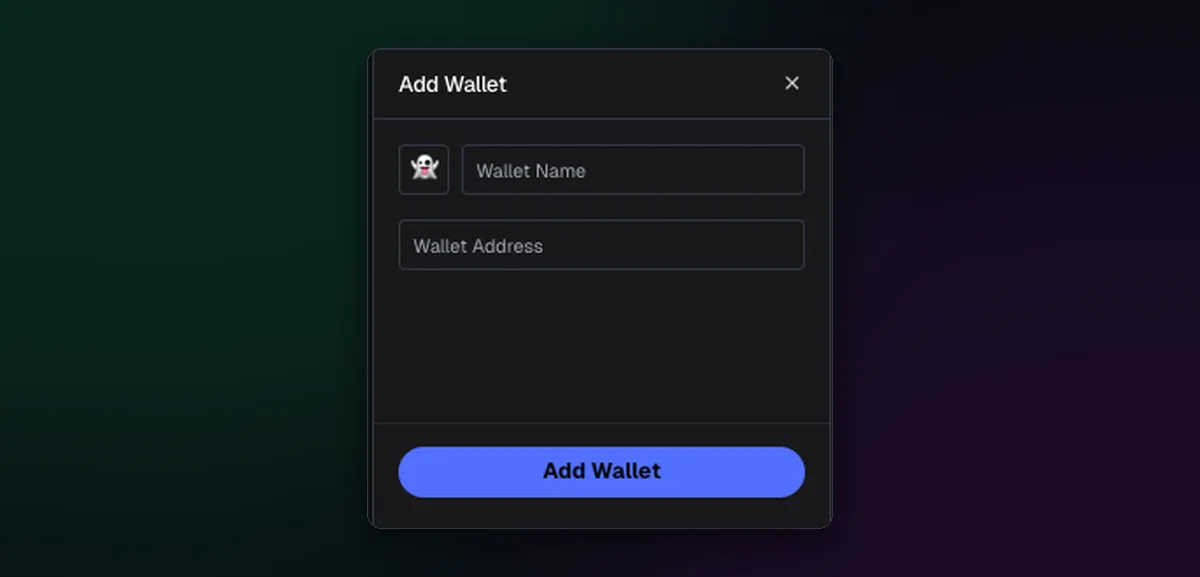
- Press Add Wallet.
- Choose an emoji. It appears next to the wallet's trades on charts, so pick something you'll recognise at a glance.
- Type a name that says why you follow it: "fast flipper", "early on AI coins", "dev of X".
- Paste the address and press Add Wallet.
Good sources of addresses are the top traders and holders on coins you followed, Trader Scan results, and wallets you see buy early again and again. A name from a stranger's list deserves scepticism; plenty of "smart money" lists online are wallets that were lucky once.
One tracker for every chain
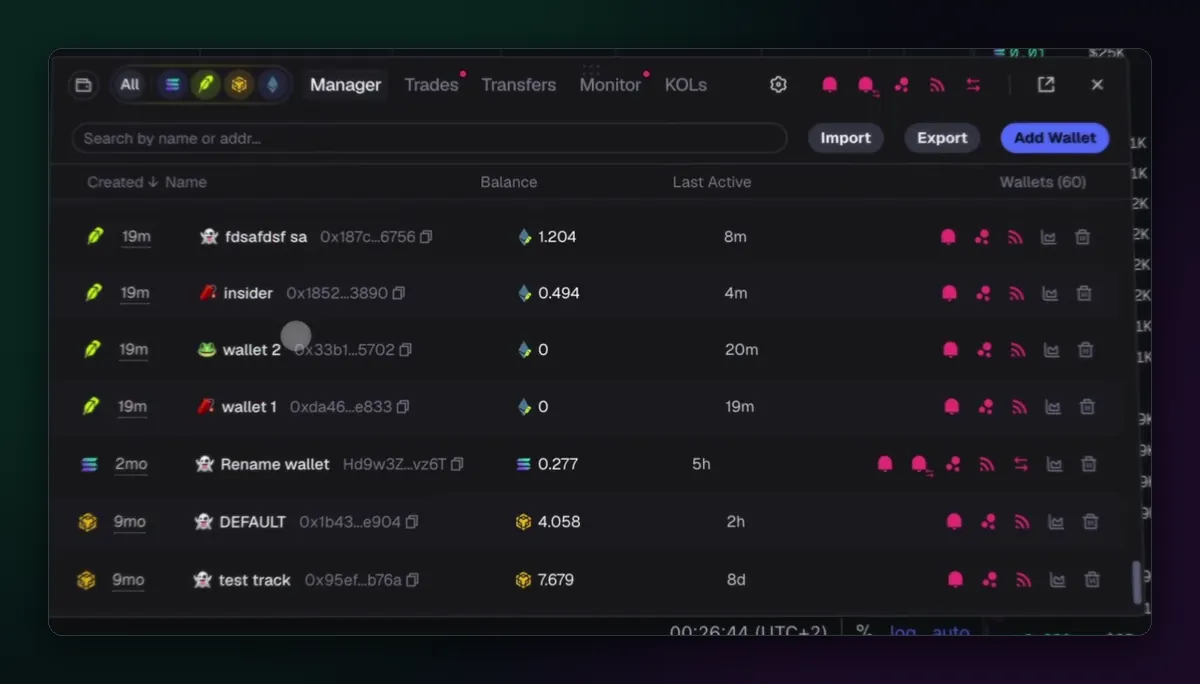
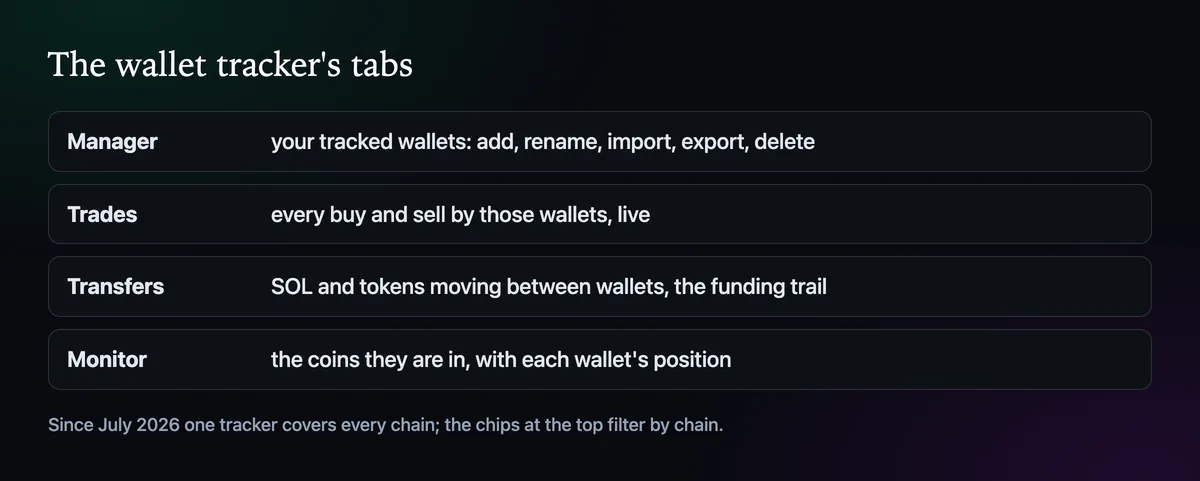
The Unified Wallet Tracker from July 2026 puts wallets from every chain in the same list, each marked with its chain. The chips at the top filter by chain, and the tabs split the work: Manager for the list itself, Trades for their buys and sells, Transfers for money moving between wallets, Monitor for the coins they are in, and KOLs for well-known traders.
See their trades where you trade
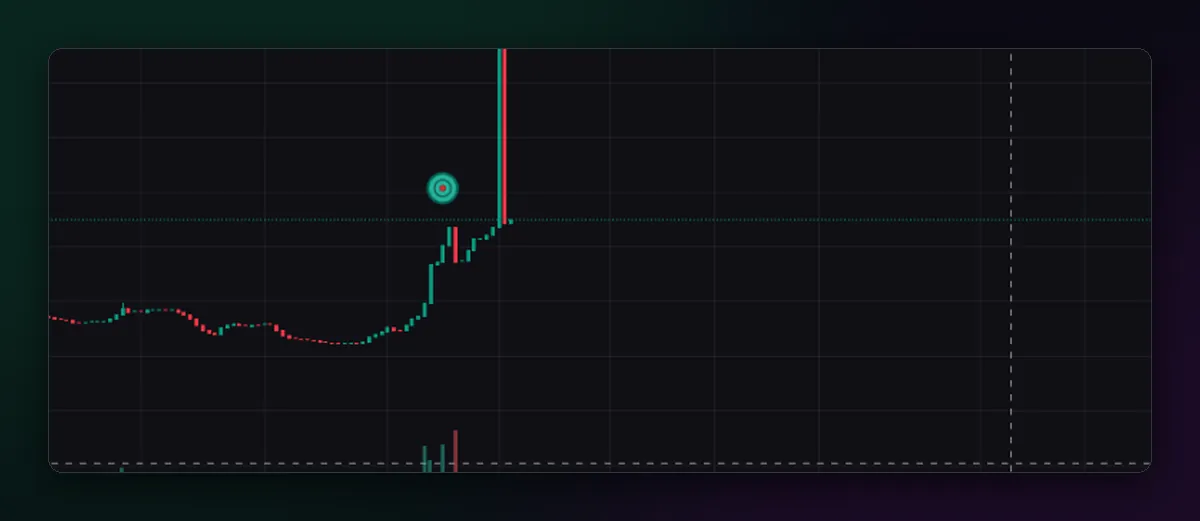
Once a wallet is in the tracker, its buys and sells appear on any chart you open, marked at the candle where they happened, and in the Live Trades feed beside Pulse. That is the point of the tool: you see when several of your wallets pile into the same coin, which Axiom calls confluence. The TRACKED filter on a token's trade list shows only their trades.
Getting alerts for those trades is covered in How to Turn On Live Trade Alerts. The wallet tracking guide goes deeper into building a list, and the copy trading page explains how to act on what you see.

Written by Mohammad Shahpari · Web3 CMO, Crypto Growth & SEO Specialist · X · LinkedIn
Did this answer your question?