
What to Do If Your Wallet Was Drained
If your Axiom wallet suddenly shows almost nothing, the next hour matters. Find out what happened on Solscan, move whatever is left, close the way in, and report it. Here is the order to do it in.
 Updated November 14, 2026
On this page
First: was it a drain at all?
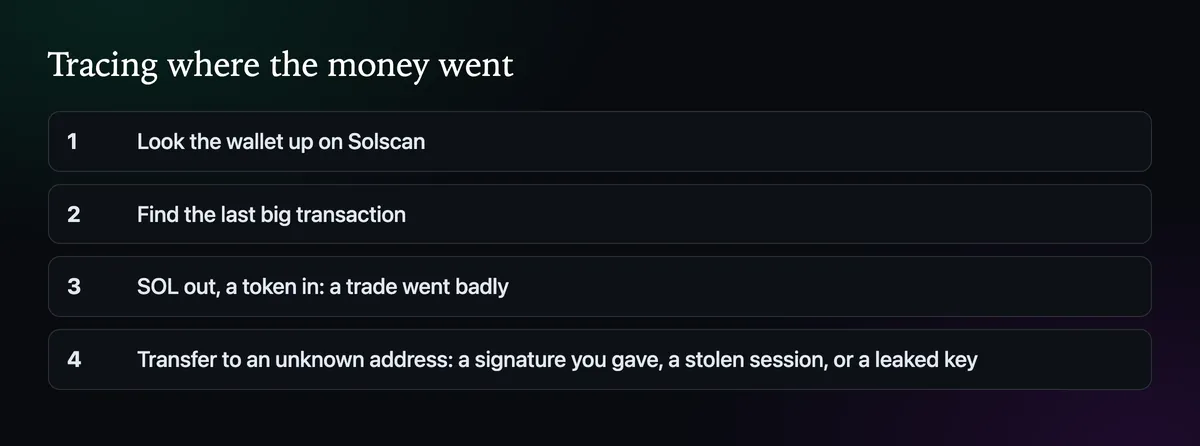
Look the wallet up on Solscan and find the last big transaction. If it is a swap, where SOL left and a token arrived in return, a trade went badly: a coin collapsed, or a fill landed far from the chart price. That is a loss, not a theft. If it is a transfer of SOL or tokens to an address you don't know, someone else moved it.
How wallets get emptied
- A signature you gave. Connecting Phantom to a fake site and approving a transaction that looked harmless, such as a "bonus SOL" pop-up.
- A stolen session. In September 2026 researchers found browser extensions that took over logged-in Axiom sessions.
- A leaked phrase or key. Typed into a copy of the site, sent to fake support, or saved in a photo or a notes app.
The first hour
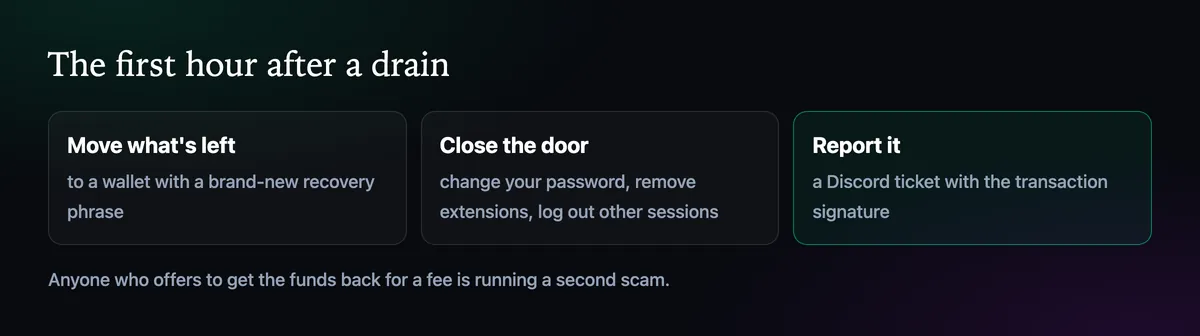
- Move what's left to a wallet with a brand-new recovery phrase, such as a fresh Phantom wallet. New wallets on the same Axiom login come from the same phrase, so they don't help if the phrase leaked.
- Close the door. Change your Axiom password, remove browser extensions you don't need, and revoke connections in Phantom.
- Report it in a ticket on Axiom's Discord with the transaction signature, as in How to Open a Support Ticket on Discord.
Watch for the second scam
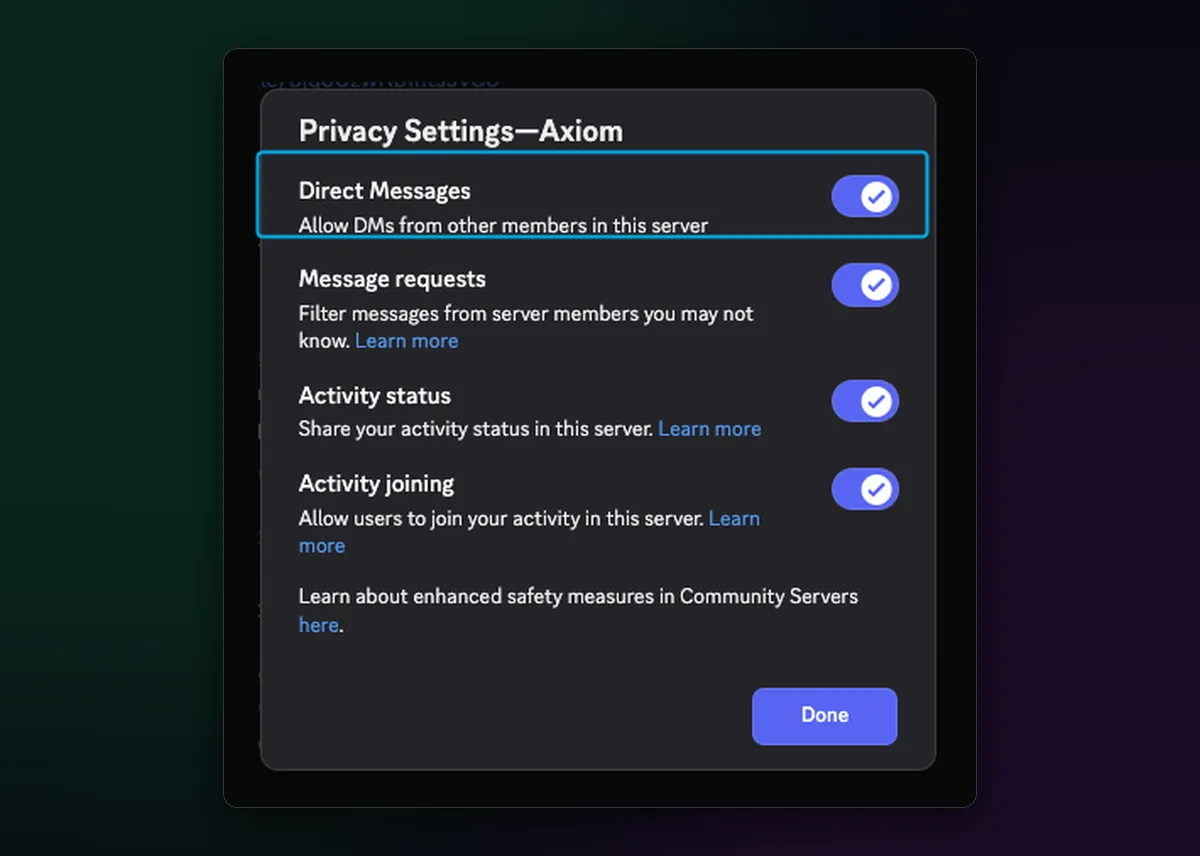
Solana transfers can't be reversed, and nobody can pull the funds back. Post about the drain and within minutes "recovery experts" and "Axiom support" will message you. Every one of them is running a second scam, after a fee, a signature or the rest of your funds. Switch off direct messages from the Axiom Discord server before you ask for help, and only talk to staff inside a ticket you opened yourself.
Questions like this come up on Reddit all the time; the Axiom Trade Reddit page answers the common ones, and How to Spot a Fake Axiom Site covers keeping it from happening again.

Written by Mohammad Shahpari · Web3 CMO, Crypto Growth & SEO Specialist · X · LinkedIn
Did this answer your question?