
Why Did My Axiom Transaction Fail?
A failed transaction on Axiom almost always has one of five causes: slippage, fees, missing SOL, the token itself, or the wrong wallet. The failure message on Solscan names the cause, and fixing that one thing is usually enough.
 Updated November 14, 2026
On this page
The five usual causes
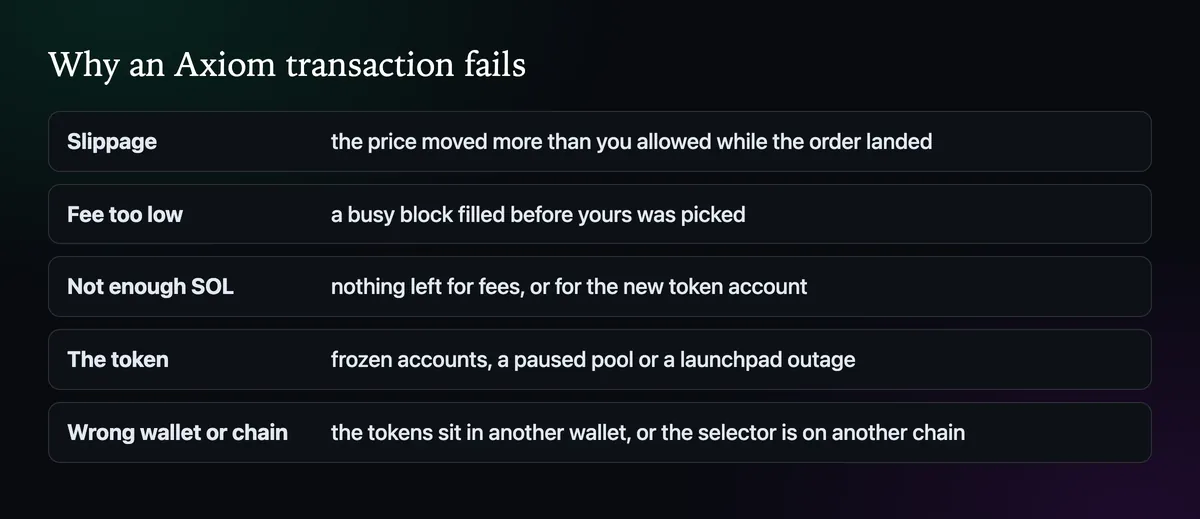
- Slippage. The price moved further than your limit before the order landed. The most common cause on new coins.
- Fee too low. On a busy block, a transaction with a small priority fee and bribe can be left out until it expires.
- Not enough SOL. Every trade needs SOL for fees, and a first buy of a token needs about 0.002 SOL more for its token account. A wallet holding only the token can't sell it.
- The token. A creator who kept freeze authority can freeze holders' accounts; a pool can be paused. In August 2025 a change at Pump.fun stopped sells through Axiom for hours.
- Wrong wallet or chain. The tokens sit in a wallet that isn't ticked, or the selector is on another chain.
Read the error on Solscan
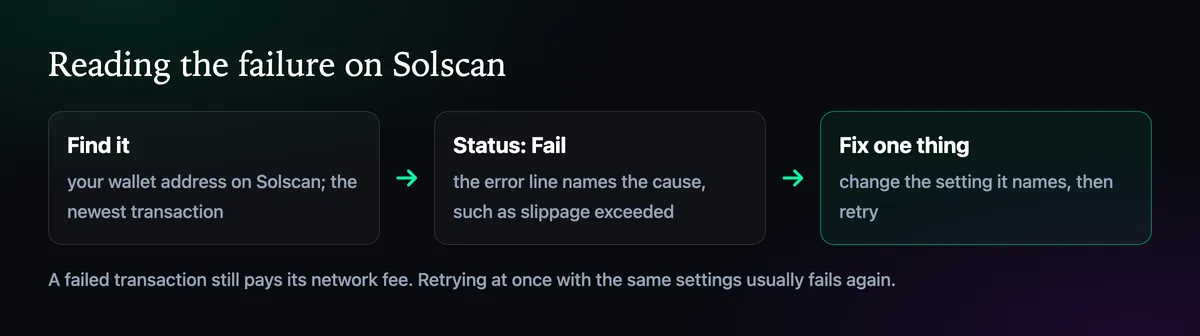
Paste your wallet address into Solscan and open the newest transaction. A failed one is marked Fail, and its error line says why, for example that slippage was exceeded or that an account had insufficient funds. That one line saves a lot of guessing. A failed transaction still costs its network fee, so blind retries are not free.
Fix the setting it names
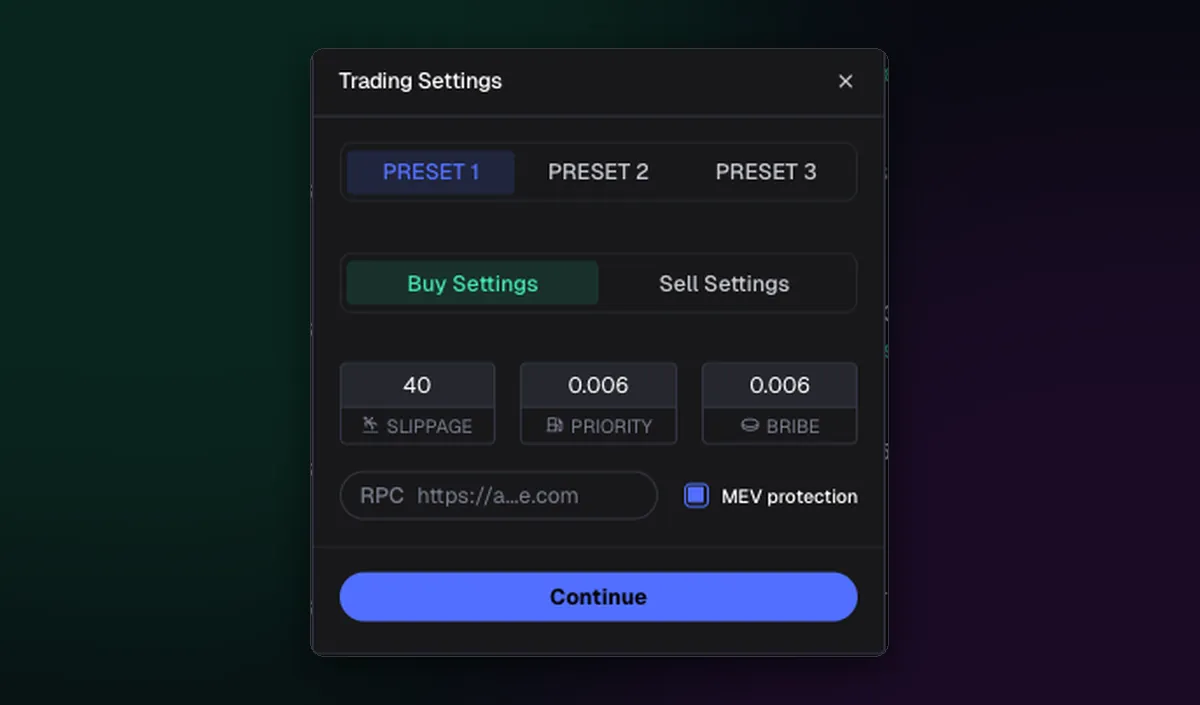
- Slippage exceeded: raise it one step on that preset, and keep MEV protection on.
- Dropped or expired: raise the priority fee and bribe for this trade, or switch to your busy-market preset.
- Insufficient funds: deposit a little SOL, even if you are only selling.
- Frozen or paused: nothing in Axiom will help. Check the token's mint on an explorer and the launchpad's status.
Change one thing at a time, then retry. Raising slippage, fees and size at once hides what was wrong and makes the next failure harder to read. The settings themselves are explained in How to Set Slippage on Axiom and on the best Axiom settings page.
When it fills but at a bad price
A trade that succeeds at a much worse price than the chart showed is a different problem, usually a sandwich inside your slippage. Lower slippage and Secure mode on buys are the cure; the MEV protection guide explains why.

Written by Mohammad Shahpari · Web3 CMO, Crypto Growth & SEO Specialist · X · LinkedIn
Did this answer your question?