
How to Buy and Fund Wallets with Husher
Husher is a privacy service built into the Wallets tab of your Axiom Portfolio. It moves SOL between your own wallets by a detour, so no direct transfer ties them together on-chain, and it sells wallets that already have some history. Here is how each of its four jobs works.
 Updated November 20, 2026
On this page
What you drag decides the move
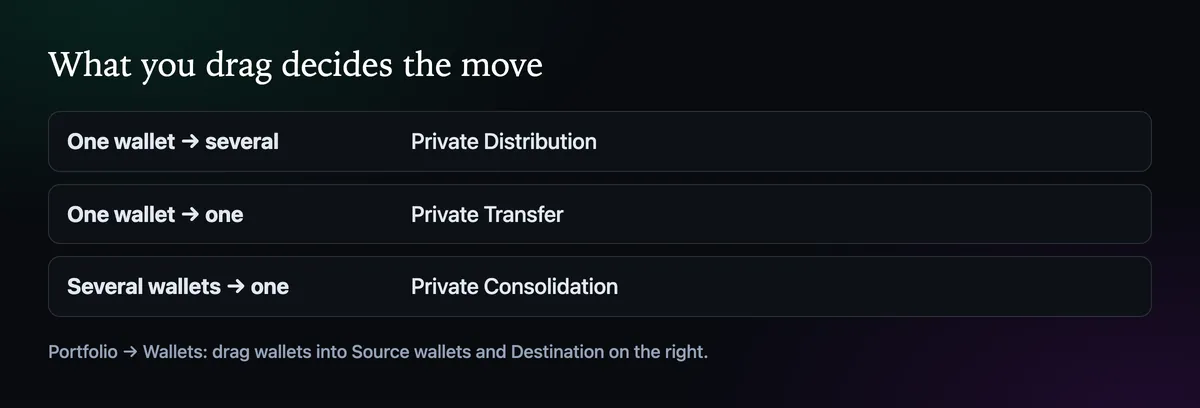
Open Portfolio, then Wallets. Your wallets are listed on the left; on the right are two boxes, Source wallets and Destination, and you drag wallets into them. One source with several destinations brings up Private Distribution. One to one brings up Private Transfer. Several sources into one brings up Private Consolidation. Each sits next to a plain Start button for the same move, and the Private one is the routed version.
Fund several wallets
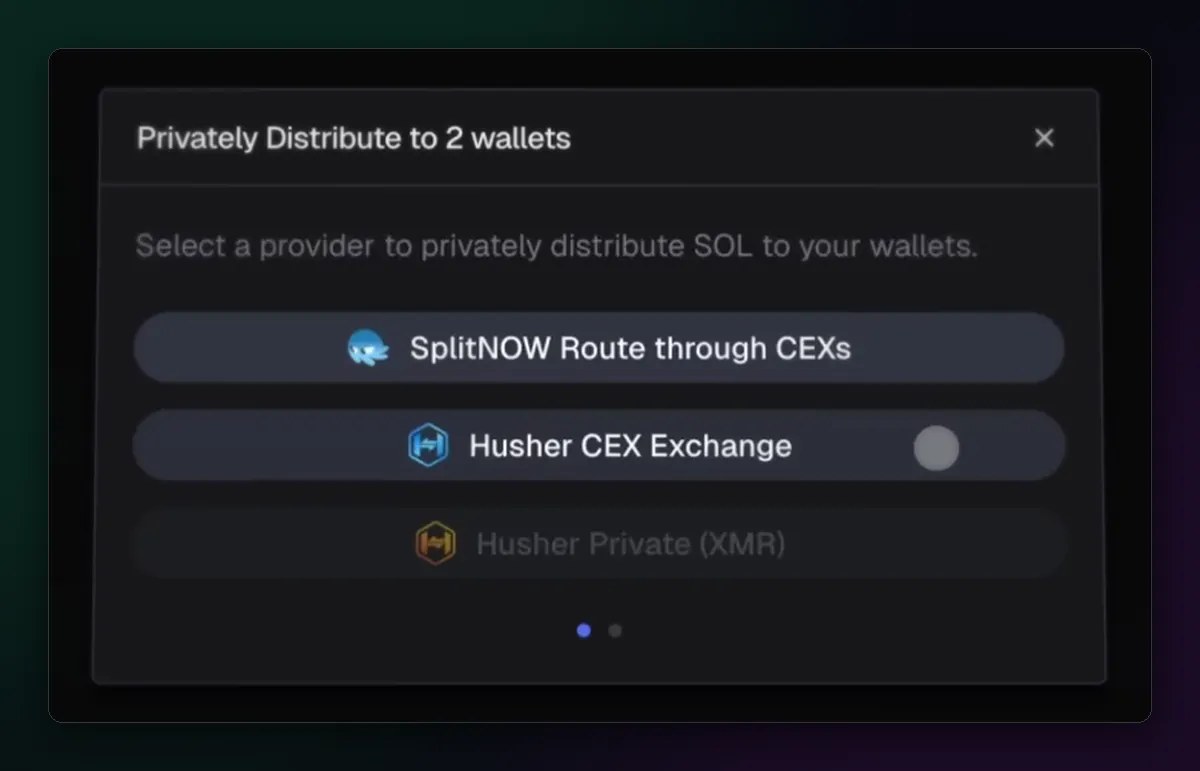
Private Distribution first asks for a provider: SplitNOW Route through CEXs, Husher CEX Exchange or Husher Private (XMR).
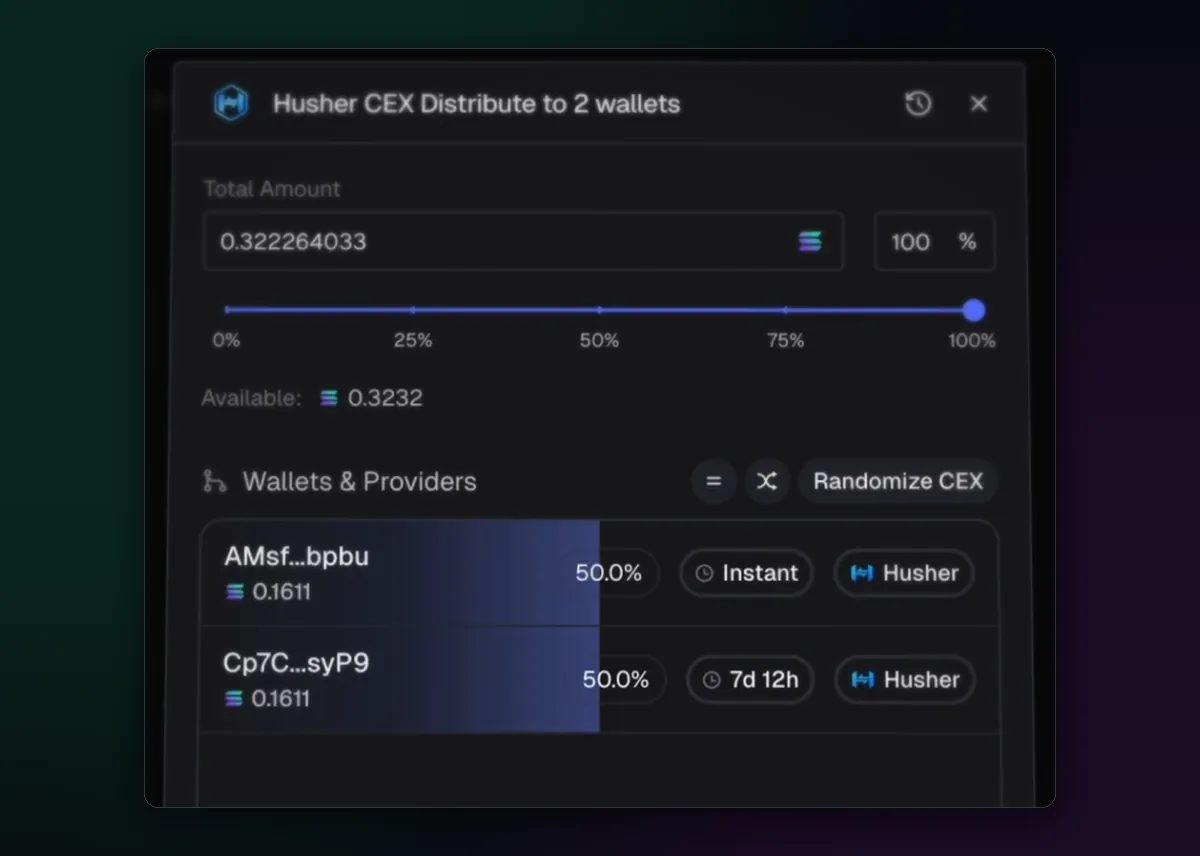
With Husher CEX Exchange you set the total, then a share, a delay and a provider for each wallet, with a Randomize CEX button above the list. The delay slider runs from Instant to 30 days. Create Order, and every wallet shows as Scheduled while the order waits for your deposit. Do use the delays: two wallets funded in the same minute by the same service still look like a pair.
Move SOL between two wallets
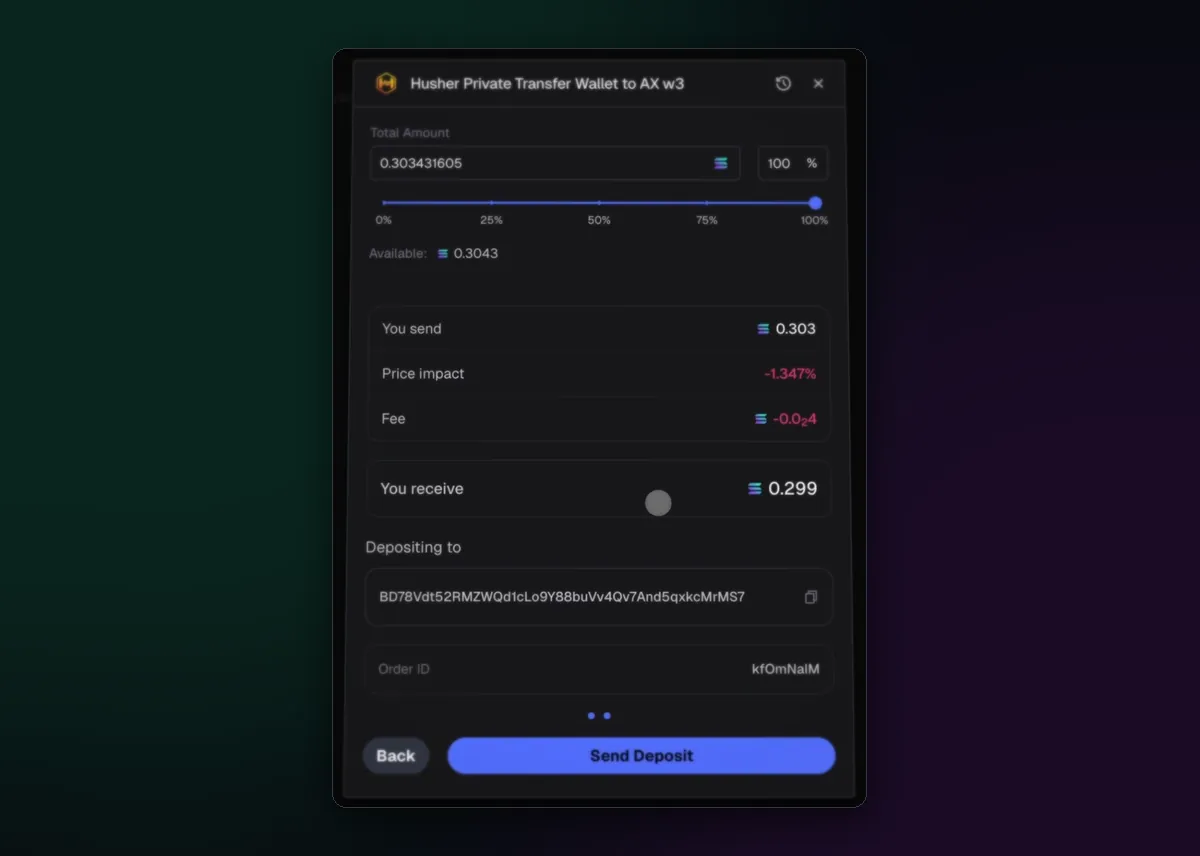
Private Transfer shows a quote before anything moves: You send, Price impact, Fee and You receive. Read the last line. On a 0.303 SOL transfer the quote had 0.299 arriving, so privacy has a price every time. Send Deposit starts it, and the finished window lists a deposit transaction and a separate withdrawal transaction.
Gather it back into one wallet
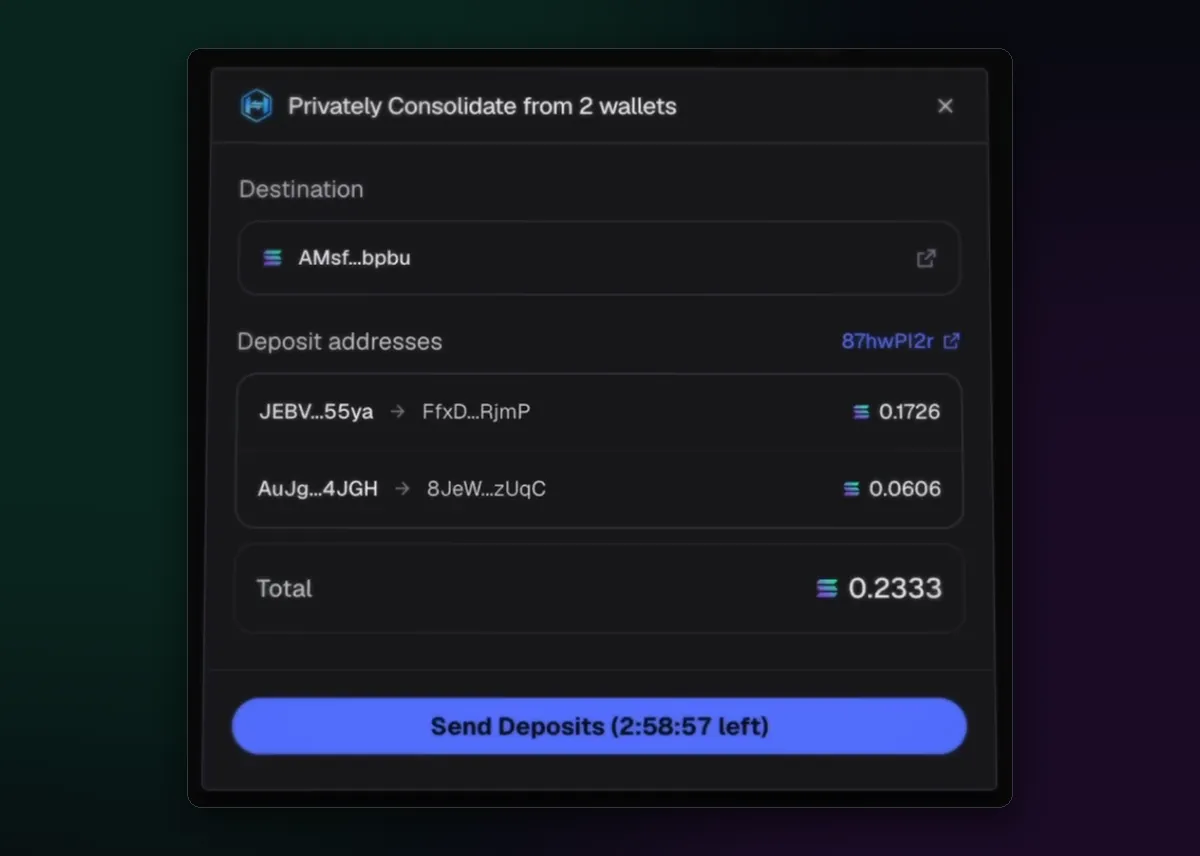
Private Consolidation is the reverse trip. The window states a minimum per wallet, gives each source its own deposit address and puts a countdown on Send Deposits, so do not start it and walk away. Progress is counted in deposits received, and the last screen sets the total received beside what you actually get. The History button on the Wallets tab keeps past orders.
Buy wallets that have a history
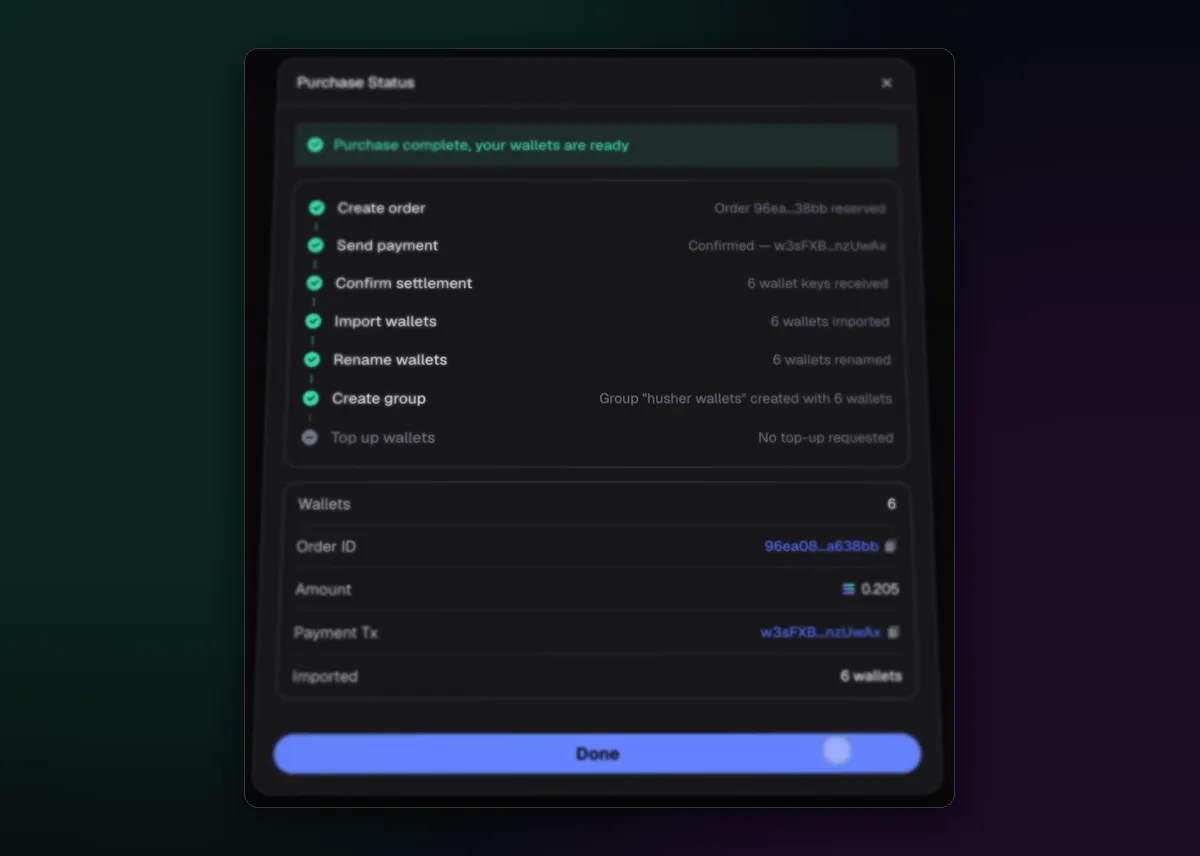
The Marketplace on the same tab sells aged wallets; tiers, prices and bulk buying are in How to Add and Manage Multiple Wallets. After you pay, Purchase Status works down a list: order, payment, settlement, import, rename, group, top-up. Then the wallets sit in your list like any other. Their keys were made by someone else, a point the MEV protection page takes seriously, and so should you.

Written by Mohammad Shahpari · Web3 CMO, Crypto Growth & SEO Specialist · X · LinkedIn
Did this answer your question?