
What Dex Paid Means and How to Track It
Dex Paid says whether a project has paid for its listing on DEXScreener, the page that carries its banner. Axiom shows the status on every token, previews the banner in Pulse and lists fresh payments in Alpha Tracker.
 Updated November 26, 2026
On this page
What Paid and Unpaid tell you
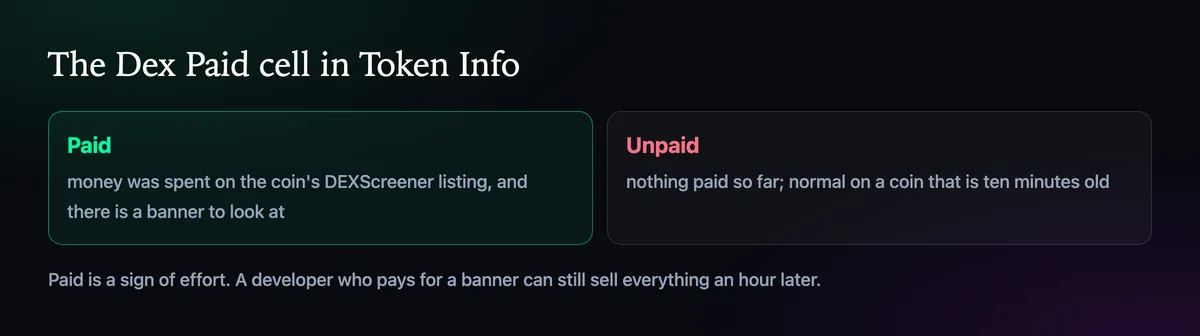
Token Info on a token page has a Dex Paid cell. It reads Paid in green or Unpaid in red. Paid means money was spent on the coin's DEXScreener listing. That is all it means. A developer who pays for a banner can still sell everything an hour later. Unpaid on a coin that is ten minutes old is normal. Unpaid on a coin that claims a team and a plan is worth a raised eyebrow.
Preview the banner in Pulse
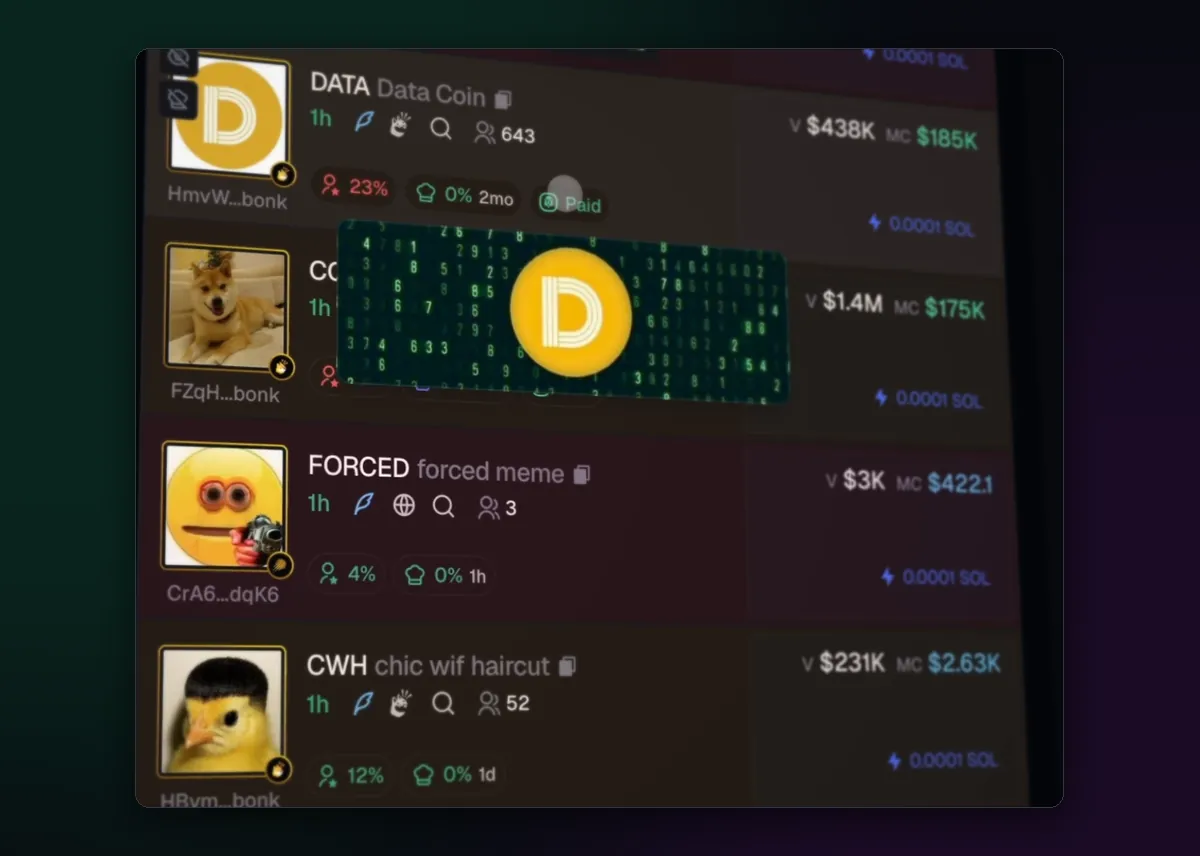
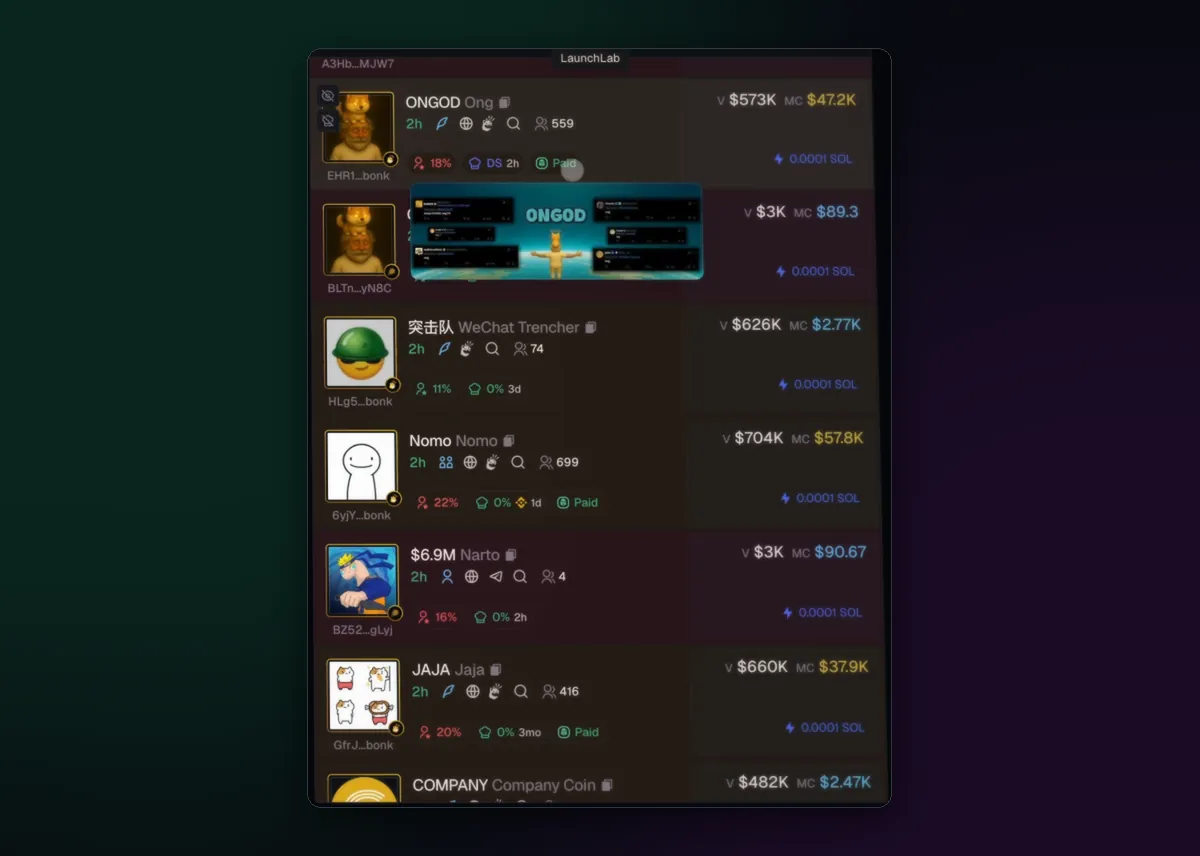
In Pulse, a row that has paid carries a green Paid tag beside its holder percentages. Hover the tag and the DEXScreener banner appears over the feed. Look at it for a few seconds. A banner drawn for this coin shows someone put in work. A generic picture with a ticker pasted on it shows the minimum.
Watch payments land in Alpha Tracker
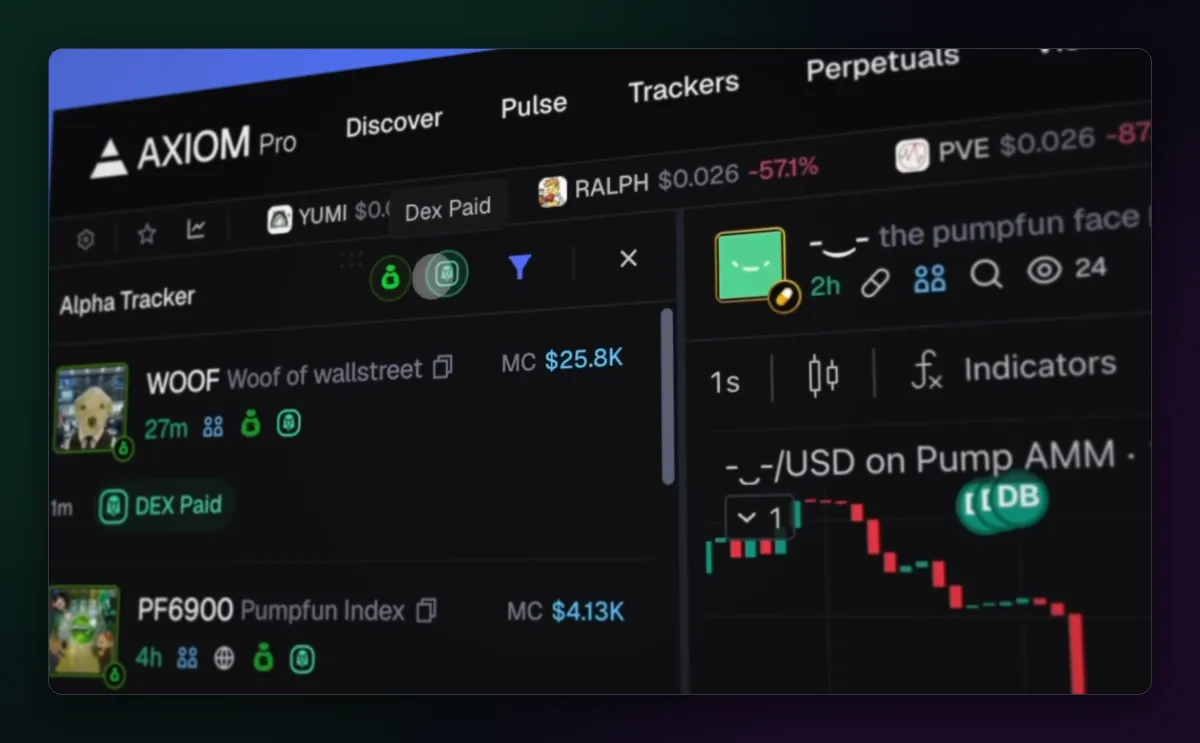
Alpha Tracker is a feed of token events. The round icons at its top switch event types on and off, and hovering one shows its name. One of them is Dex Paid. With it on, the feed adds a DEX Paid line whenever a payment lands on any token, with how long ago it happened, the token's age and its market cap.
Why the timing is the useful part
The status alone is old news by the time most people see it. The moment of payment is fresher. A coin 27 minutes old at a $25K market cap whose listing was paid a minute ago has a developer still spending on it right now. That can be commitment, or bait for traders who filter on Paid, so open the coin and check who holds it. How to Read Holder, Dev and Bundle Data walks through those numbers.
Other places the status shows up
Discover has a Dex Paid filter, described in How to Use Discover and Trending. For the markers drawn on the chart itself, see How to Read Chart Bubbles.

Written by Mohammad Shahpari · Web3 CMO, Crypto Growth & SEO Specialist · X · LinkedIn
Did this answer your question?